Features
Everything in WeBudget,
built quietly.
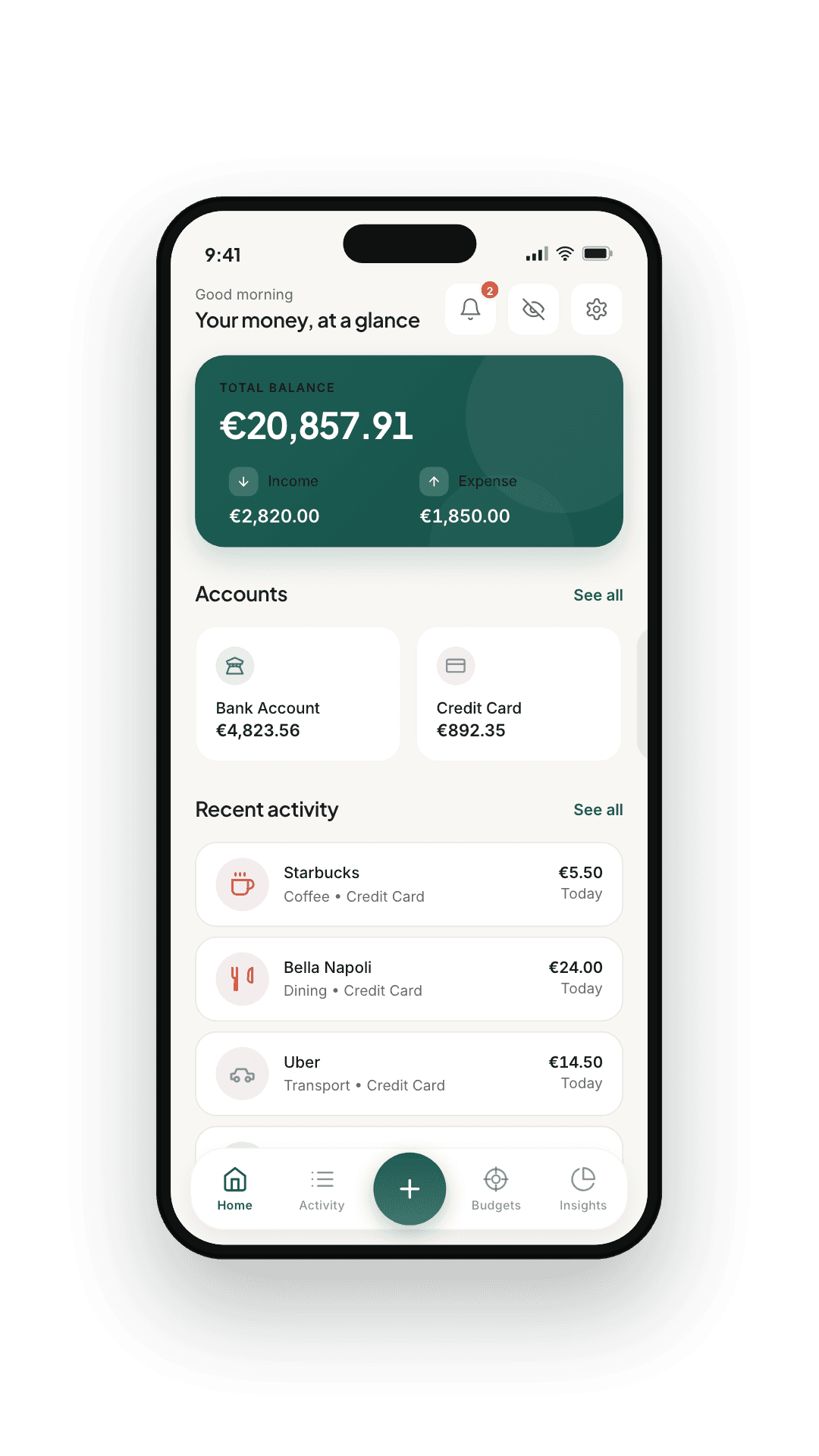
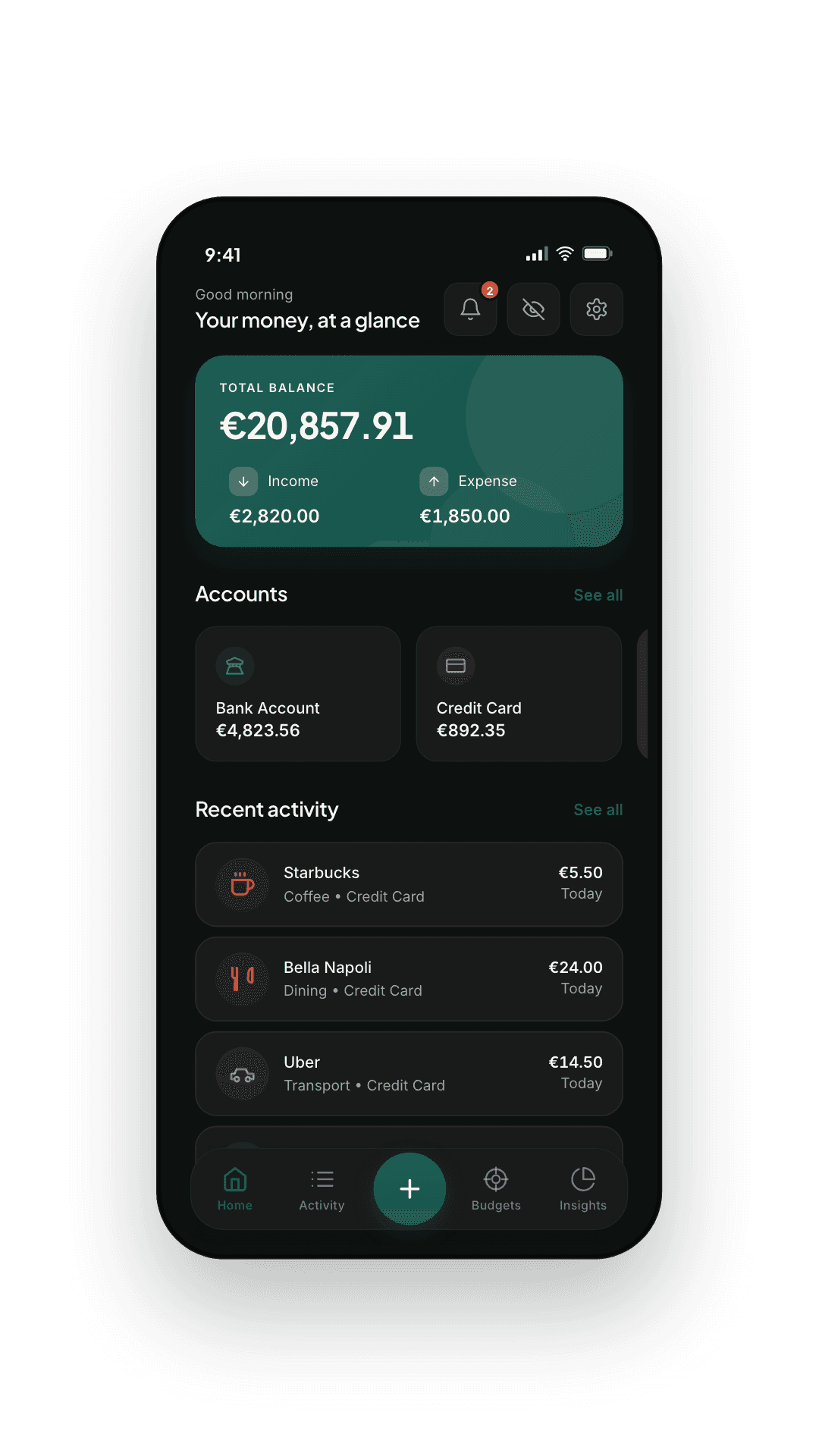
A finance app should feel like a well-kept ledger, not a casino floor. Here's what's inside — and the design philosophy behind every screen.
— 01
Capture
It reads what your bank already sends.
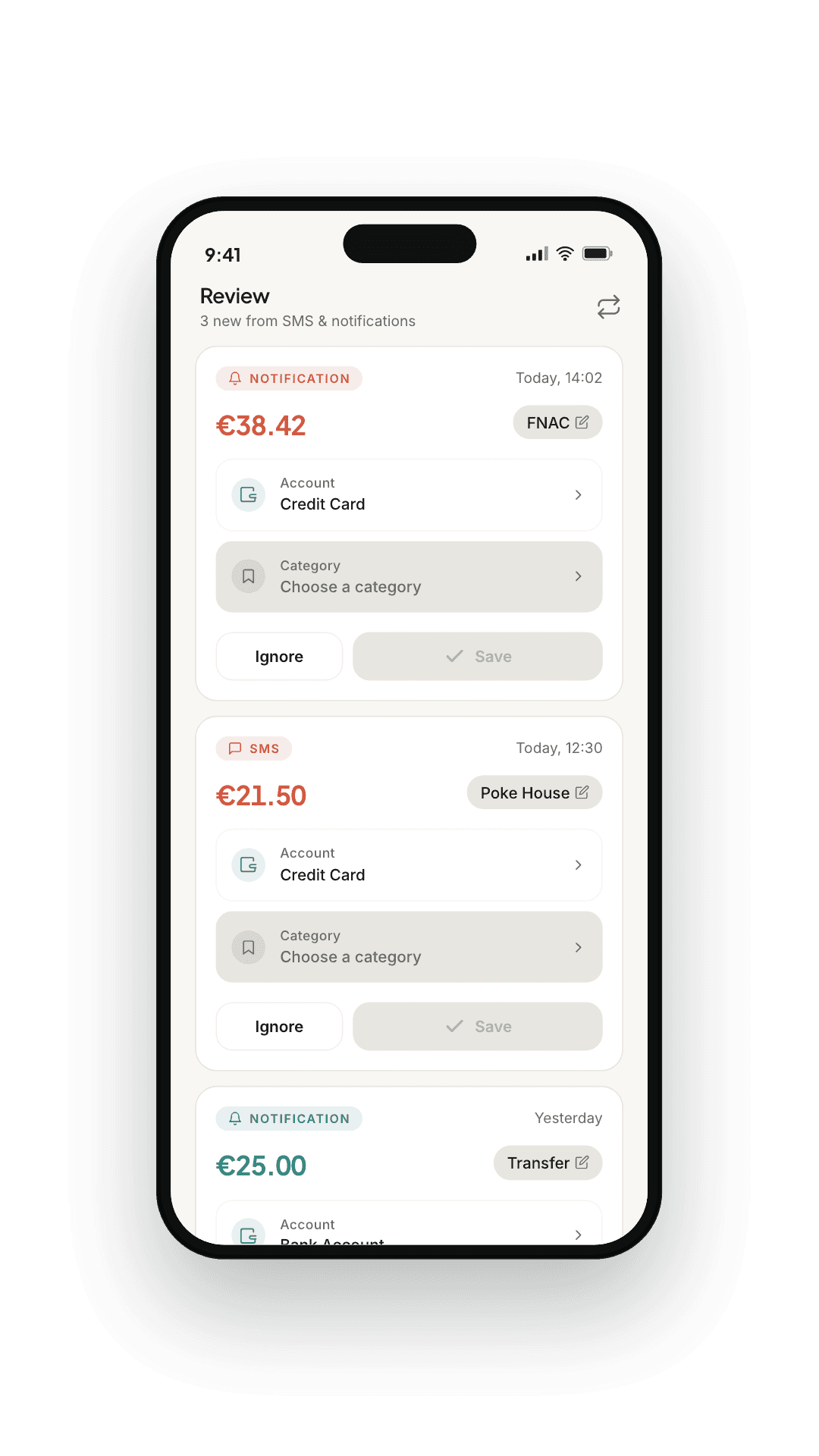
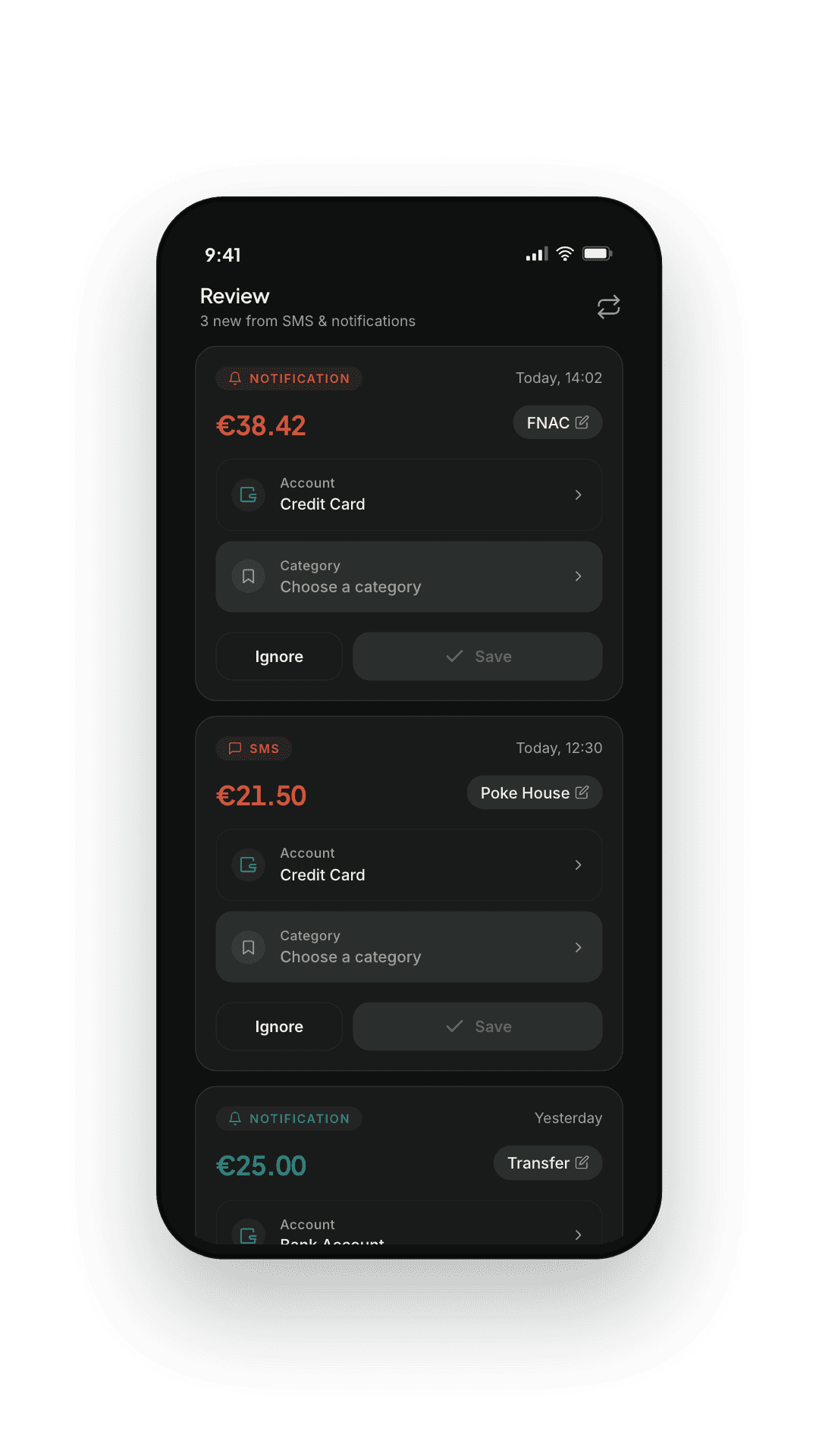
Where your system permits it, WeBudget parses the transaction notifications your bank posts into structured entries — dated, named, categorised and matched to the right account. On any device you can also share a bank message, an email receipt or a screenshot into the app, and it lands in the same place.
- Rule-based parsers across multiple banks and languages
- Share text or a screenshot in — no permission, no per-bank setup
- Per-merchant rules — edit once, applied forever
- Currency-aware: warns when a parsed currency doesn't match your account
- Deterministic by design: nothing guesses an amount into your ledger
— 02
Review queue
A daily review that takes twelve seconds.
Auto-captured transactions land in your Review queue with a suggested category and merchant. Approve, edit, or discard — and the rule sticks for next time.
- Approve, edit, or discard each parsed transaction
- Edit category, account, or amount inline
- Pin a merchant — every future match snaps to the right rule
- Re-scan past notifications when you first enable capture
— 03
Budgets
Envelopes, not alarms.
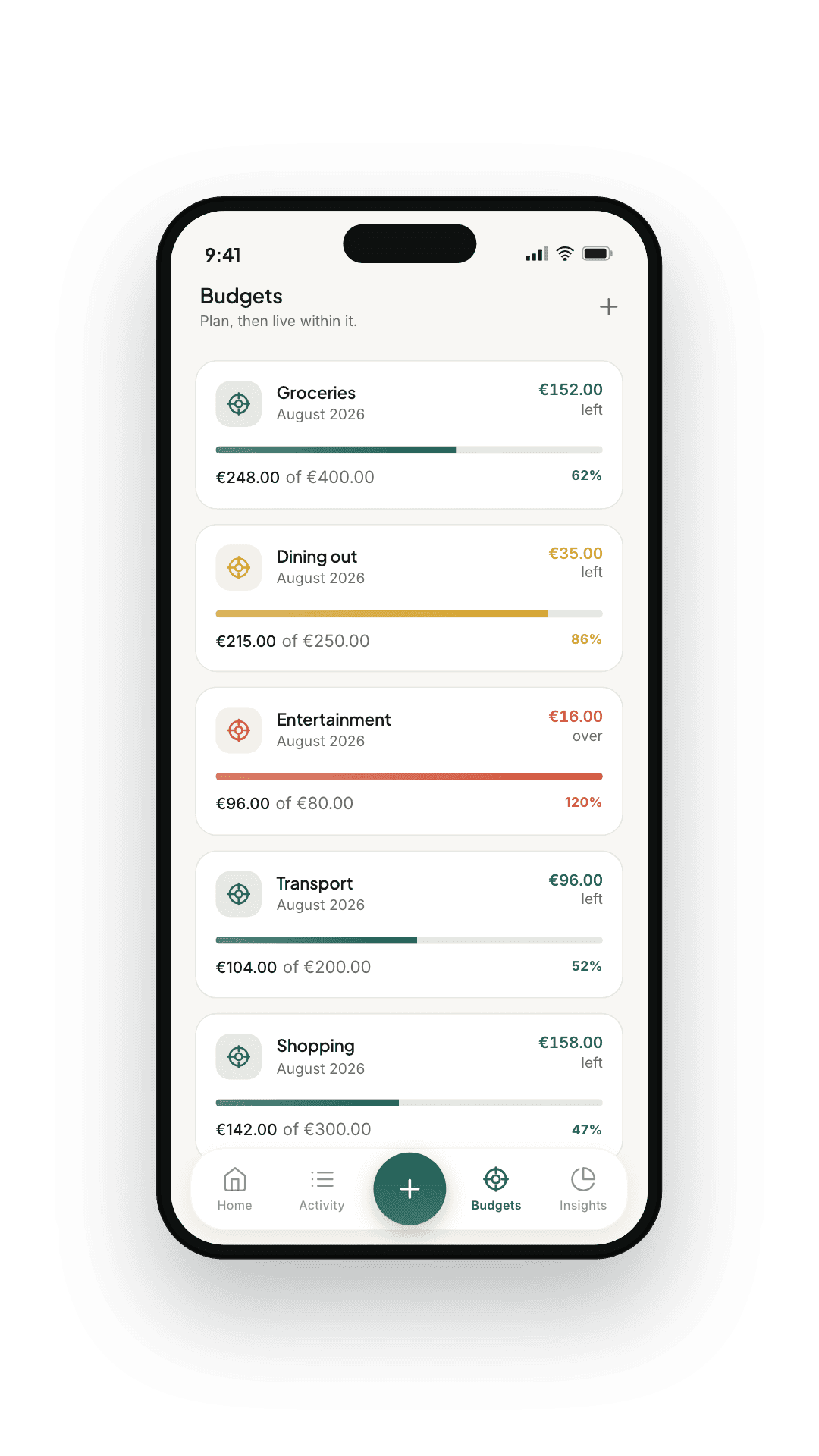
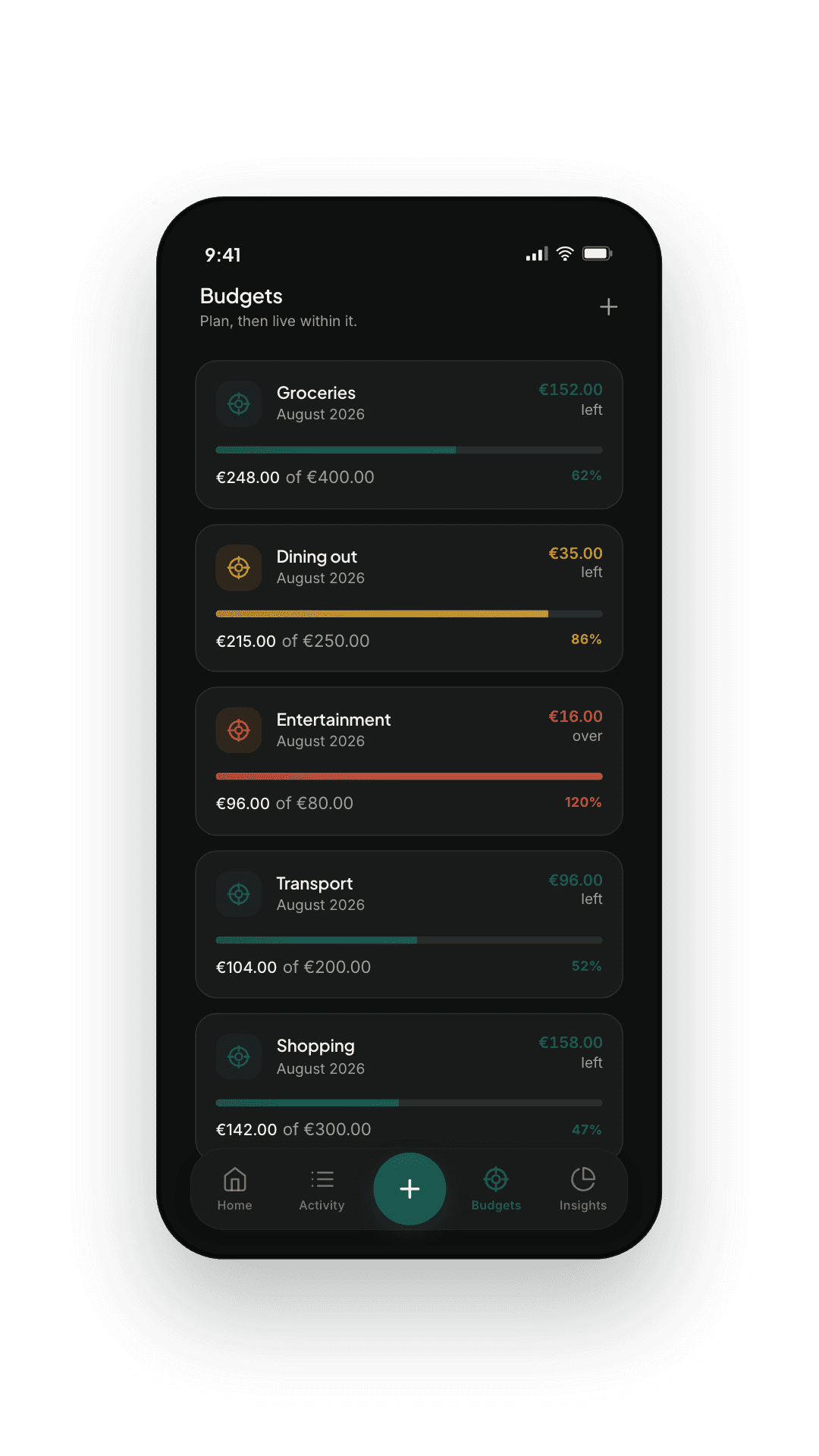
Per-category budgets on a weekly, monthly, or yearly cadence. WeBudget shows the breathing room you have left as a calm progress bar — no red alarms at 87%, no shame screens.
- Weekly, monthly, or yearly periods per category
- Optional rollover — unspent room carries to the next cycle
- Daily reminders, on your schedule, that you control
- Per-budget account scoping so envelopes track only what they should
— 04
Trends
Where the money actually went.
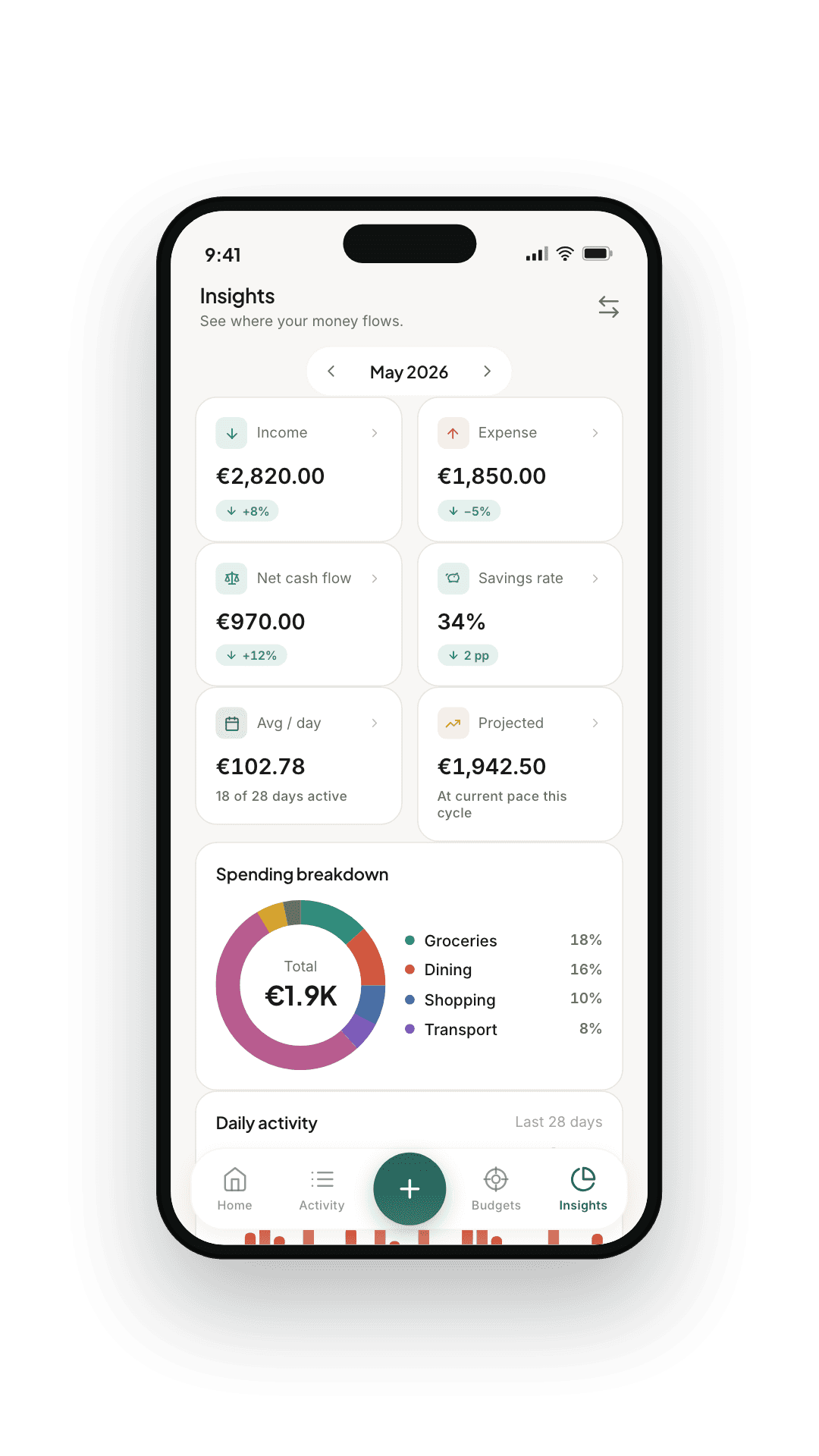
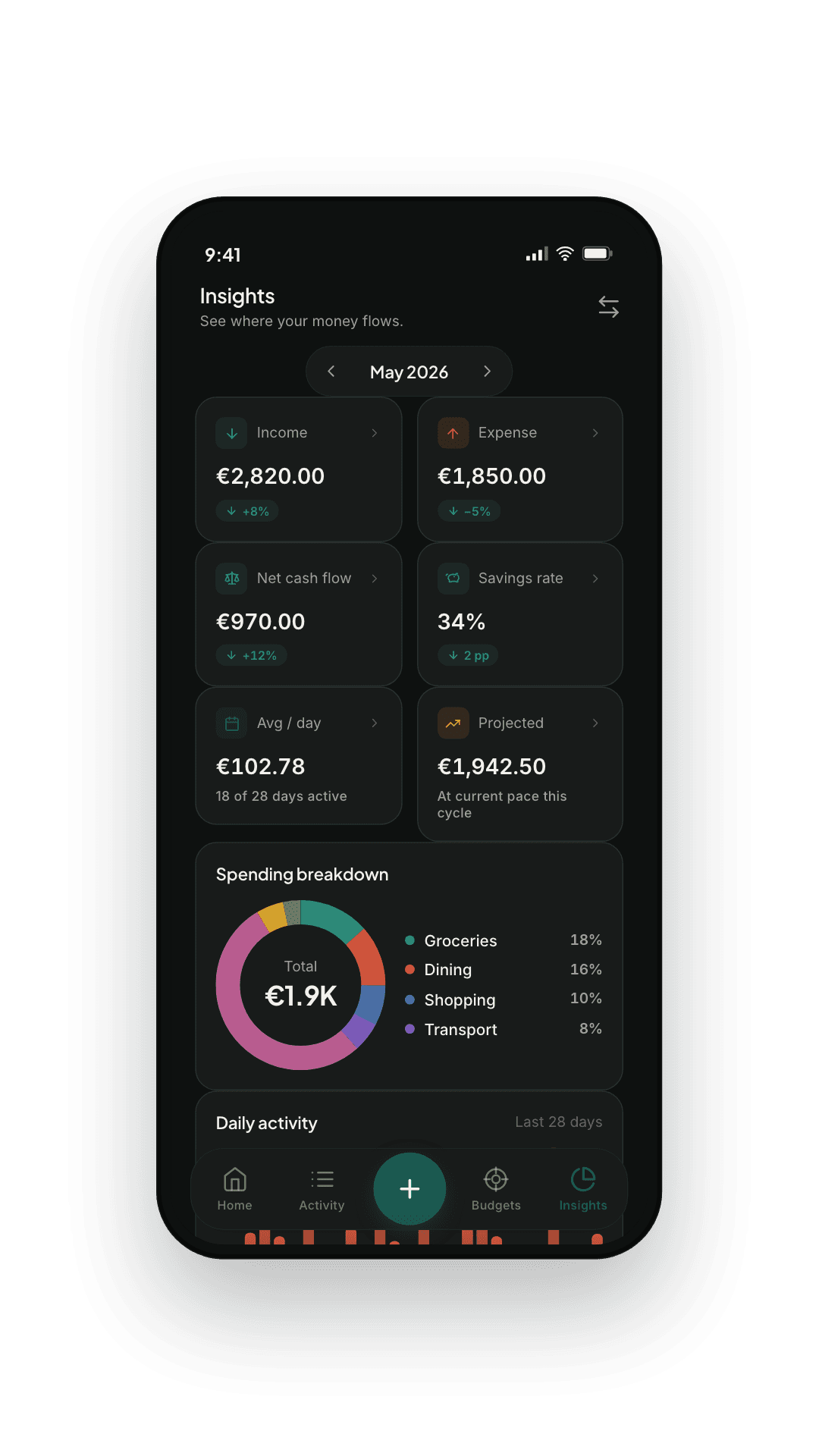
Daily, monthly, and a rolling six-month view in a typography-led layout that respects your attention. Real numbers in real categories — no vanity scoring.
- Daily breakdown, monthly totals, six-month rolling window
- Top categories, top merchants, month-vs-month comparison
- Per-category drill-down with the merchants that drove the change
- Export what you see — JSON via the share sheet
— 05
Multi-account
Card, cash, and everything between.
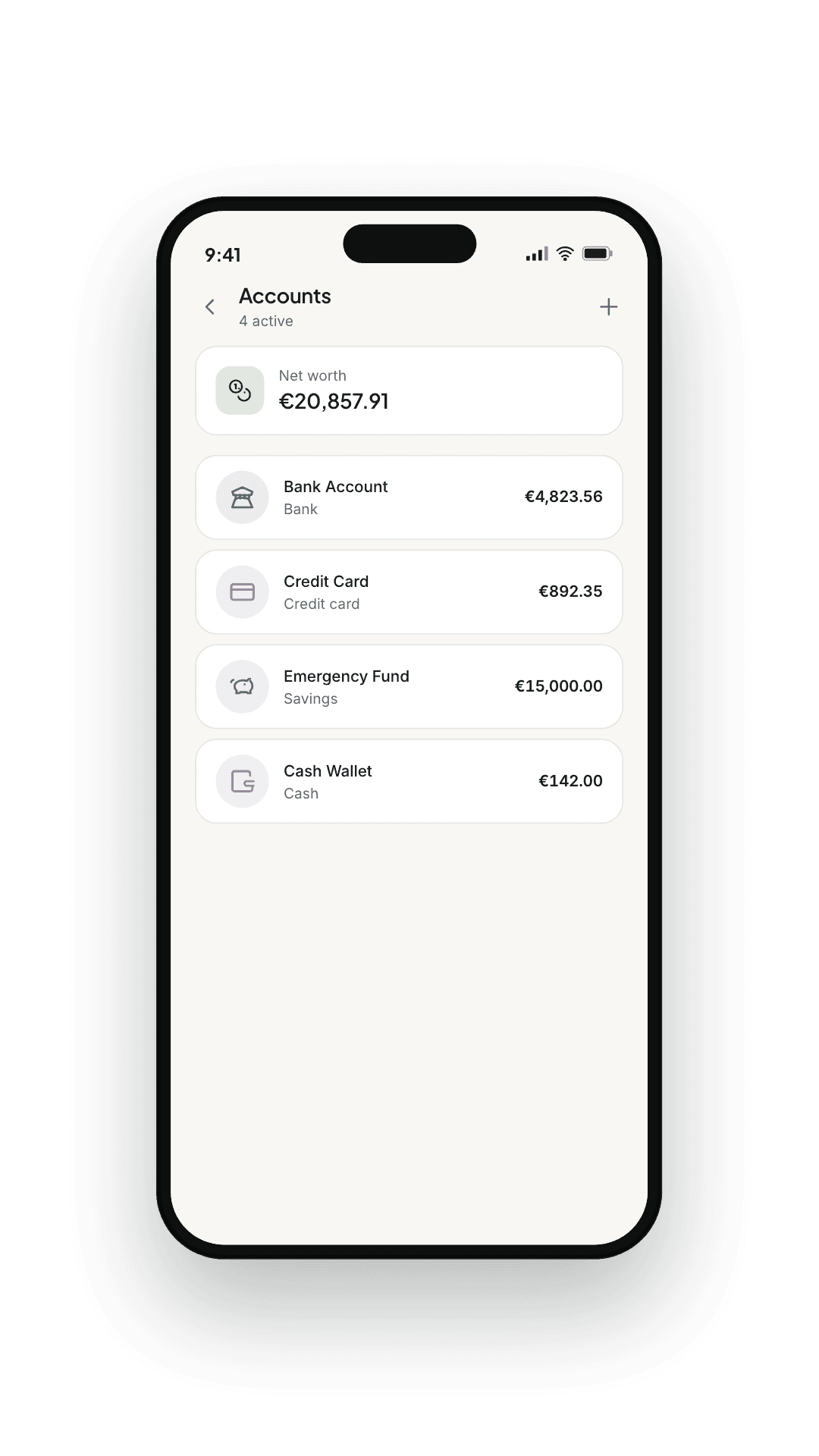
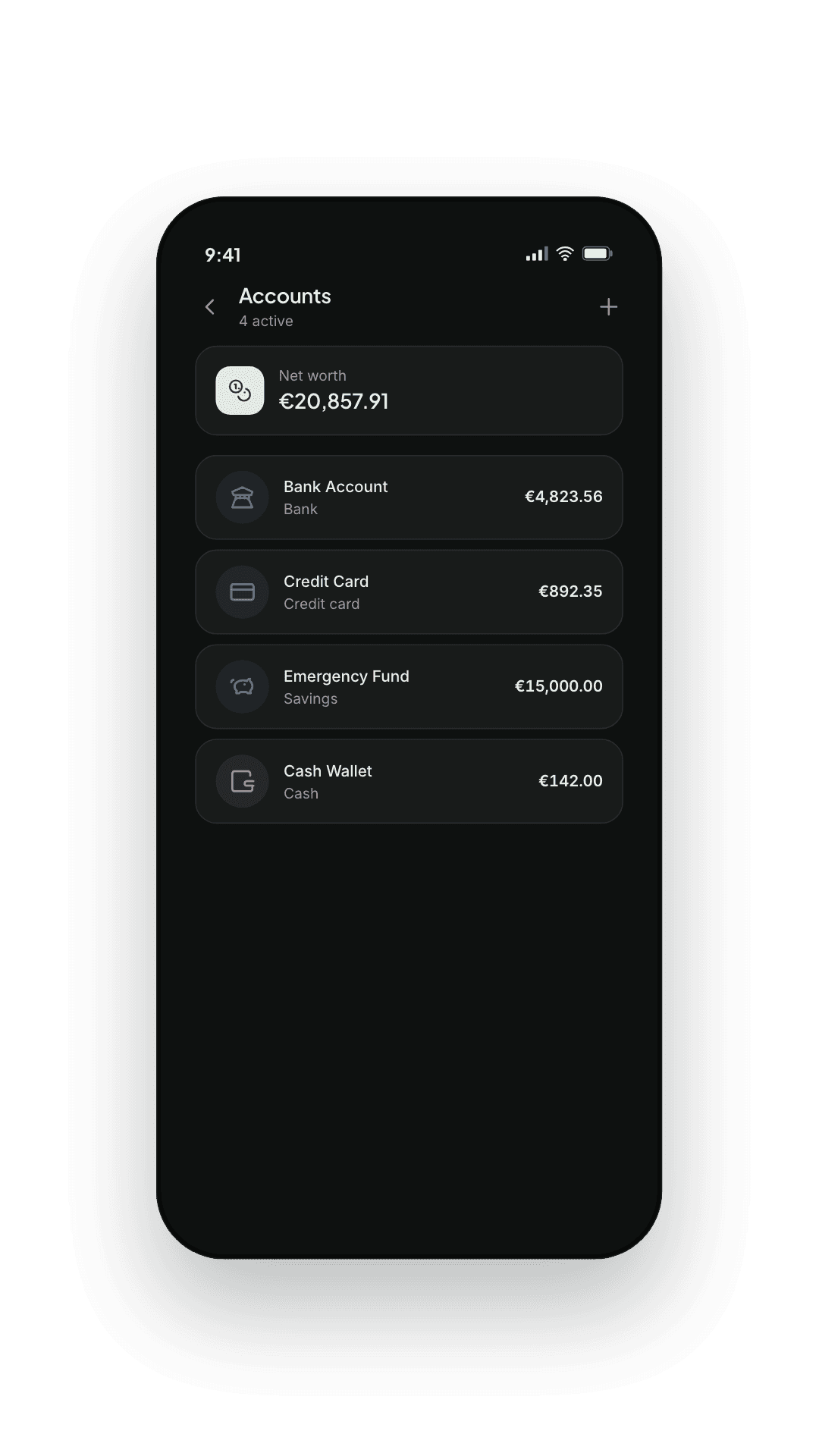
Current account, credit card, savings, cash — each in its own currency if you like. Transfers between them are handled cleanly so a single move doesn't double-count, and everything is converted into your main currency at the day's exchange rate, or at your own.
- Unlimited accounts grouped by kind
- Clean handling of transfers between your own accounts
- Any currency per account, converted at the day's exchange rate
- Your bank's real figure on any payment, in place of the estimate
- A currency converter right where you type an amount
— 06
Shared expenses
Who paid, who owes, settled.
Trips, households and dinners, split equally, by amounts, by percentage or by shares. Only your share counts in your budgets, everyone's balance is kept net of what was paid back, and a settle-up is never mistaken for income.
- A trip with its own currency and dates, or a household with no dates at all
- Split one expense, or a whole selection at once
- Connect another WeBudget user with an invite link, a code or a QR code
- A shareable summary, with the transfers that settle the trip
An example
The trip, as WeBudget sees it
- Hotel — paid by you
- €240.00your share €120.00
- Dinner — paid by Sam
- €80.00your share €40.00
- Car hire — paid by you
- €60.00your share €30.00
Sam owes you
€110.00
€300.00 left your account, and that is what its balance shows. Your budgets count €190.00 — your share.
— 07
Subscriptions
What renews, and when.
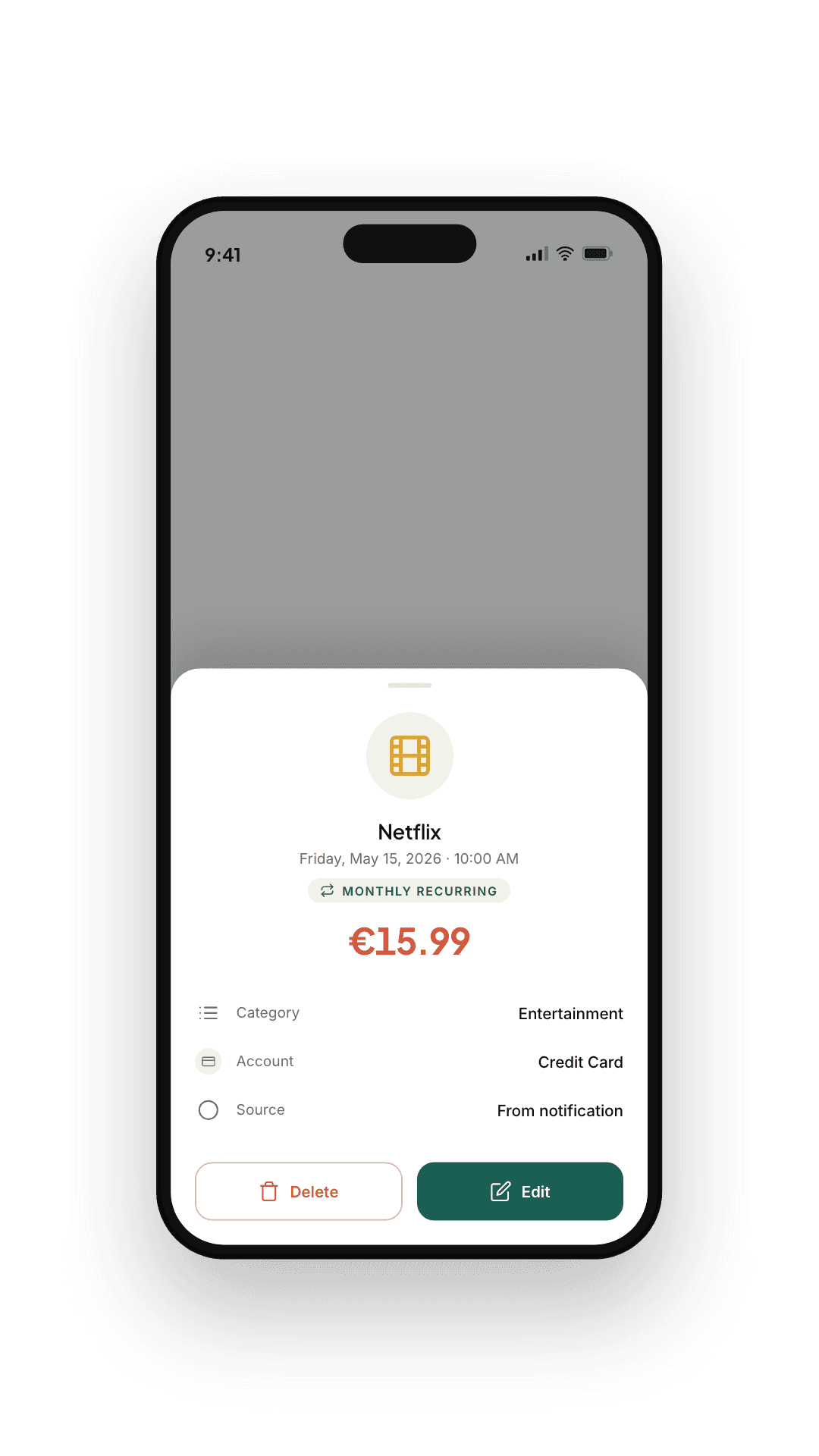
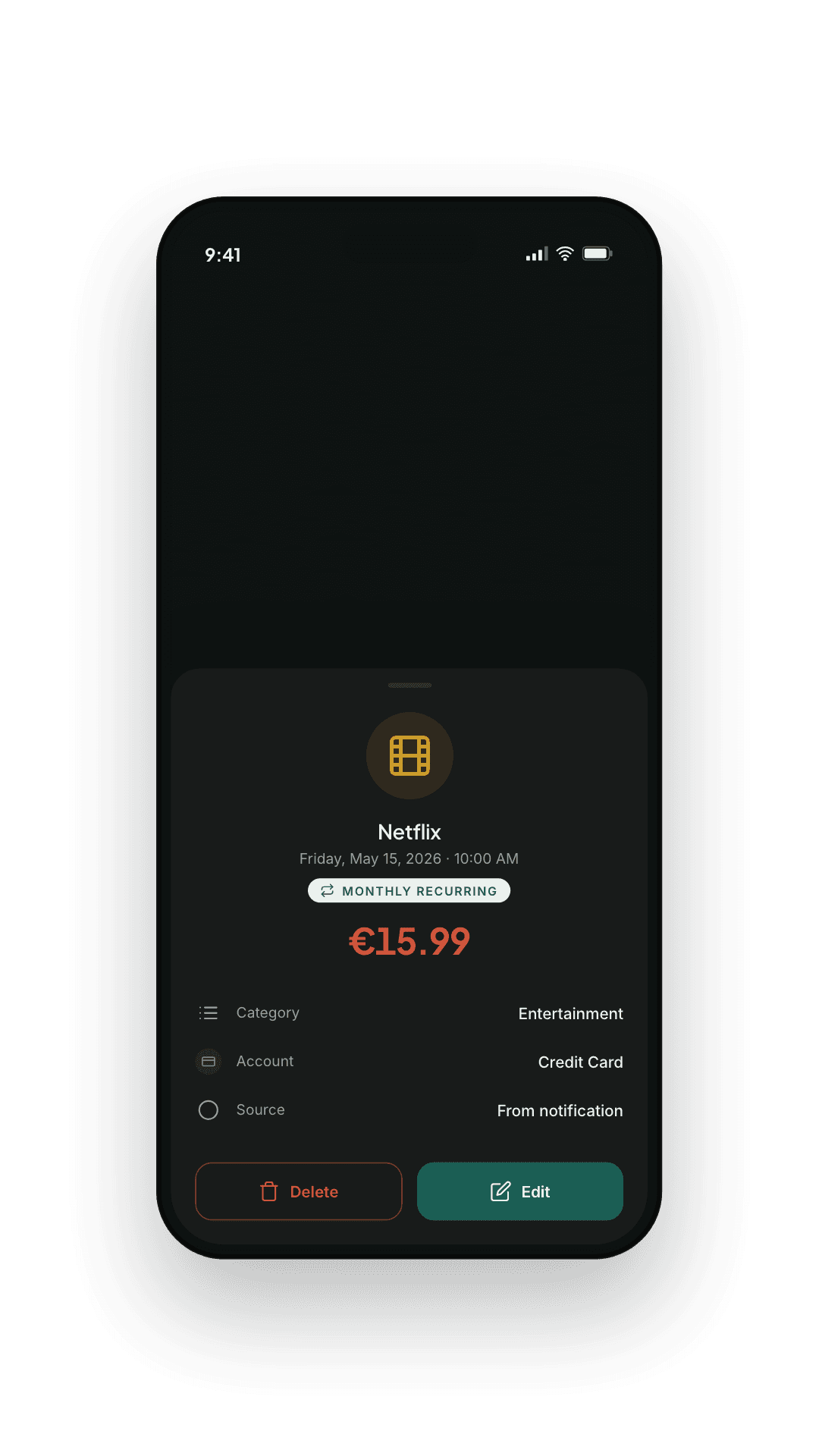
Every service you pay for, with what it costs per month and per year and when it renews next. A reminder before each renewal, and before a free trial turns into a charge.
- Six billing cycles, from weekly to yearly
- Reminders on the day or days ahead, at the time you pick
- A free-trial reminder before the first charge
- The week's renewals on your Home tab
An example
Your subscriptions
- Video streaming
- €13.99monthly
- Music
- €10.99monthly
- Cloud storage
- €2.99monthly
- Gym
- €35.00monthly
Per month · per year
€62.97 · €755.64
Totals are in your main currency. A subscription billed in another one keeps its own price and is converted at the day's rate.
— 08
Installments & loans
Committed money, before it moves.
A purchase in installments, a loan, money you lent a friend. Every payment dated, a reminder before each one, and what you owe — or are owed — visible before your balance shows it.
- Paying off, or being paid back: one plan, both directions
- Interest and fees as the amount your agreement states
- An editable schedule that keeps your changes
- A calendar of everything due, with overdue payments flagged
An example
The plan
- Price
- €900.00
- Deposit
- €120.00
- Interest & fees
- €60.00
- 12 monthly payments
- €70.00each
Total you will pay
€960.00
Any payment can be edited to match your agreement, and the schedule keeps the change.
— 09
Home-screen widgets
Your numbers, where you already look.
Eighteen widgets for your home screen and, where your phone offers it, your Lock Screen — drawn in your language, your currency and the colours you pick. Quick Add is free; the rest come with WeBudget Plus, and a short video unlocks them all for a day.
- Quick Add, free: four tap targets and no figure on screen
- Balance, today's spending, safe to spend and every budget
- A seven-day trend and a spending calendar
- What renews next, and your monthly subscription total
— 10
Customisation
Categories that match your life.
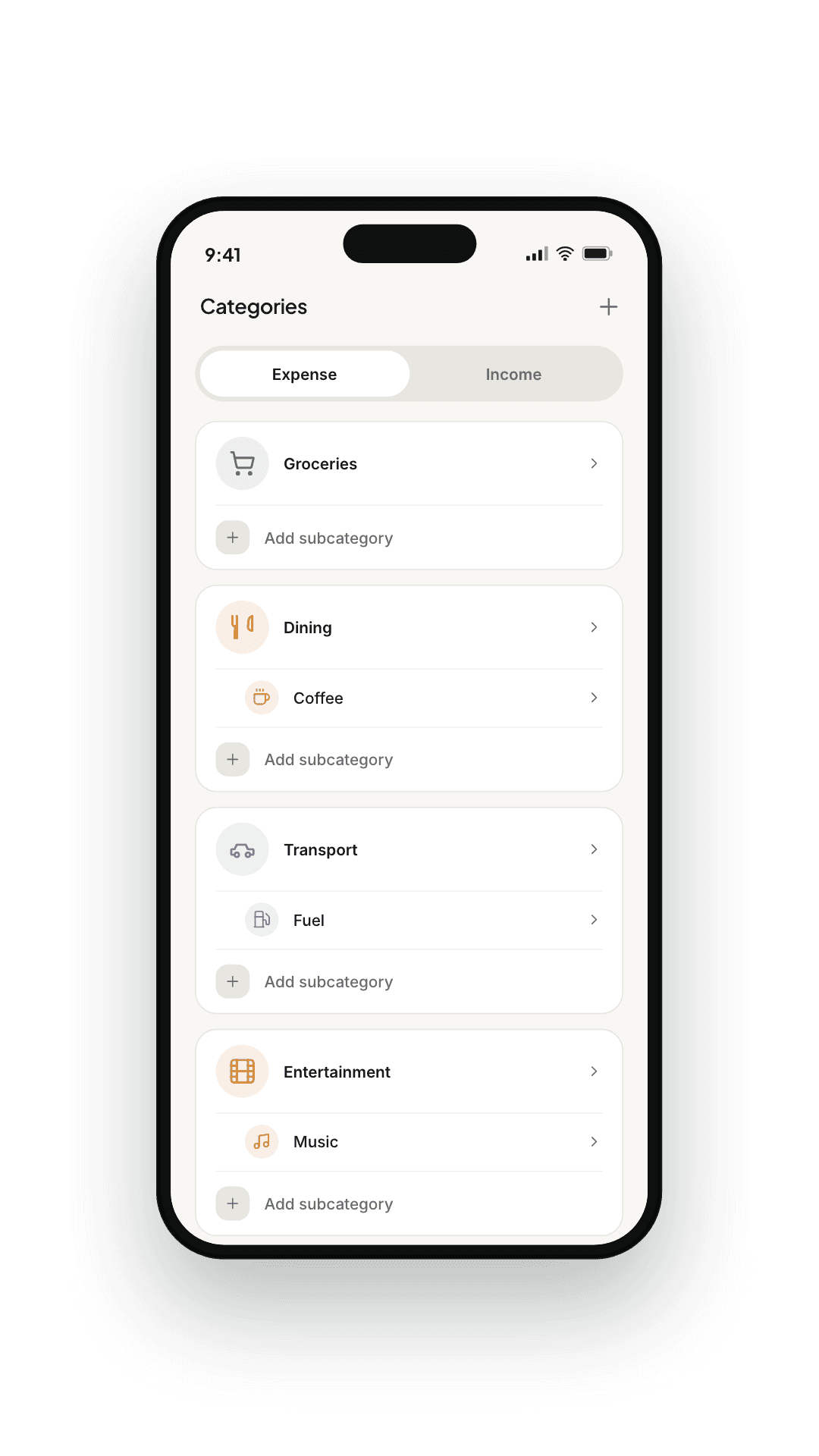
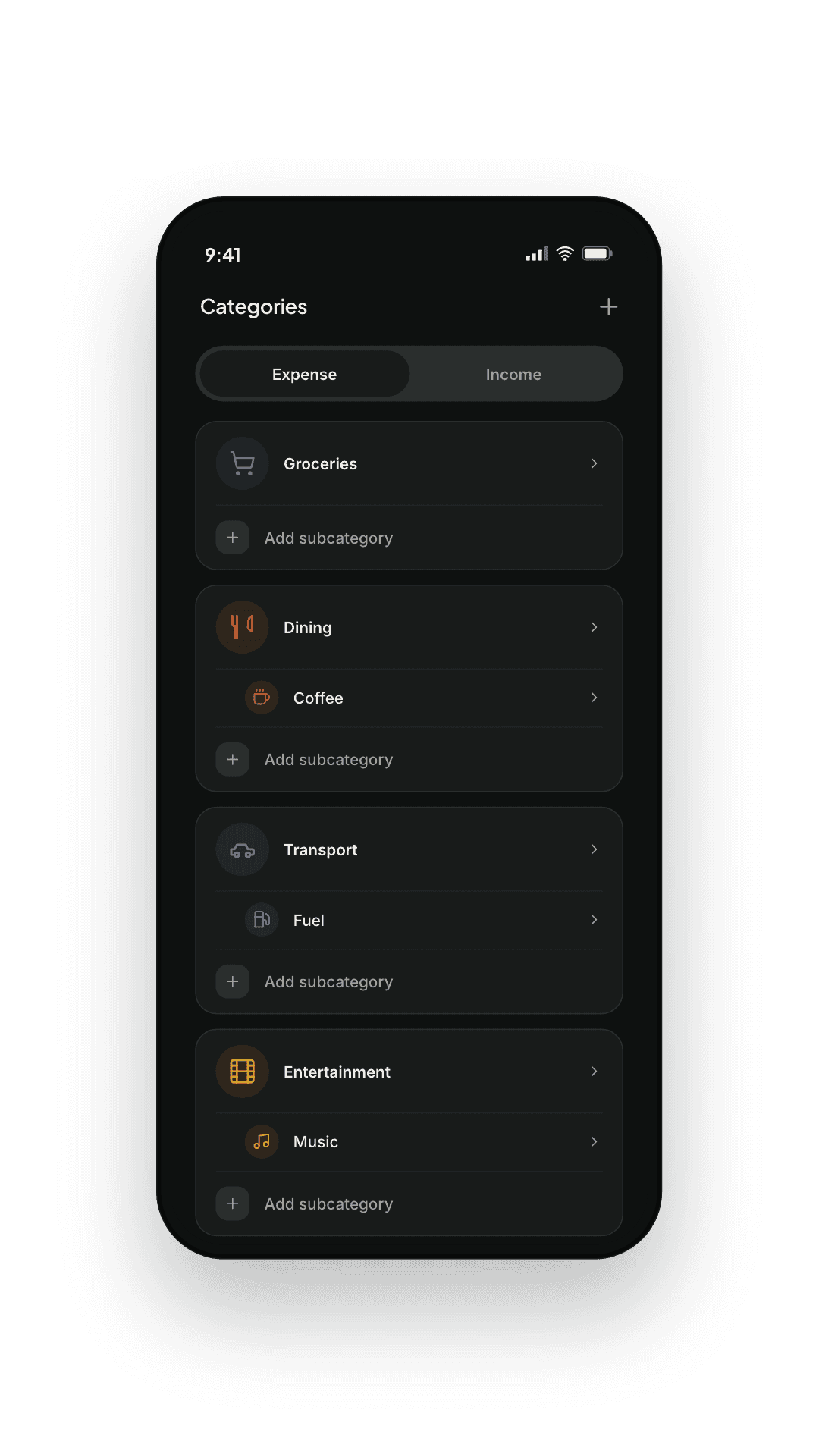
Bring your own categories, sub-categories, and icons. Group them however you actually think about money — the app stays out of the taxonomy debate.
- Custom expense and income categories
- Nested sub-categories
- Colours and icons you pick
- Reorder anything; nothing is fixed
— 11
Privacy
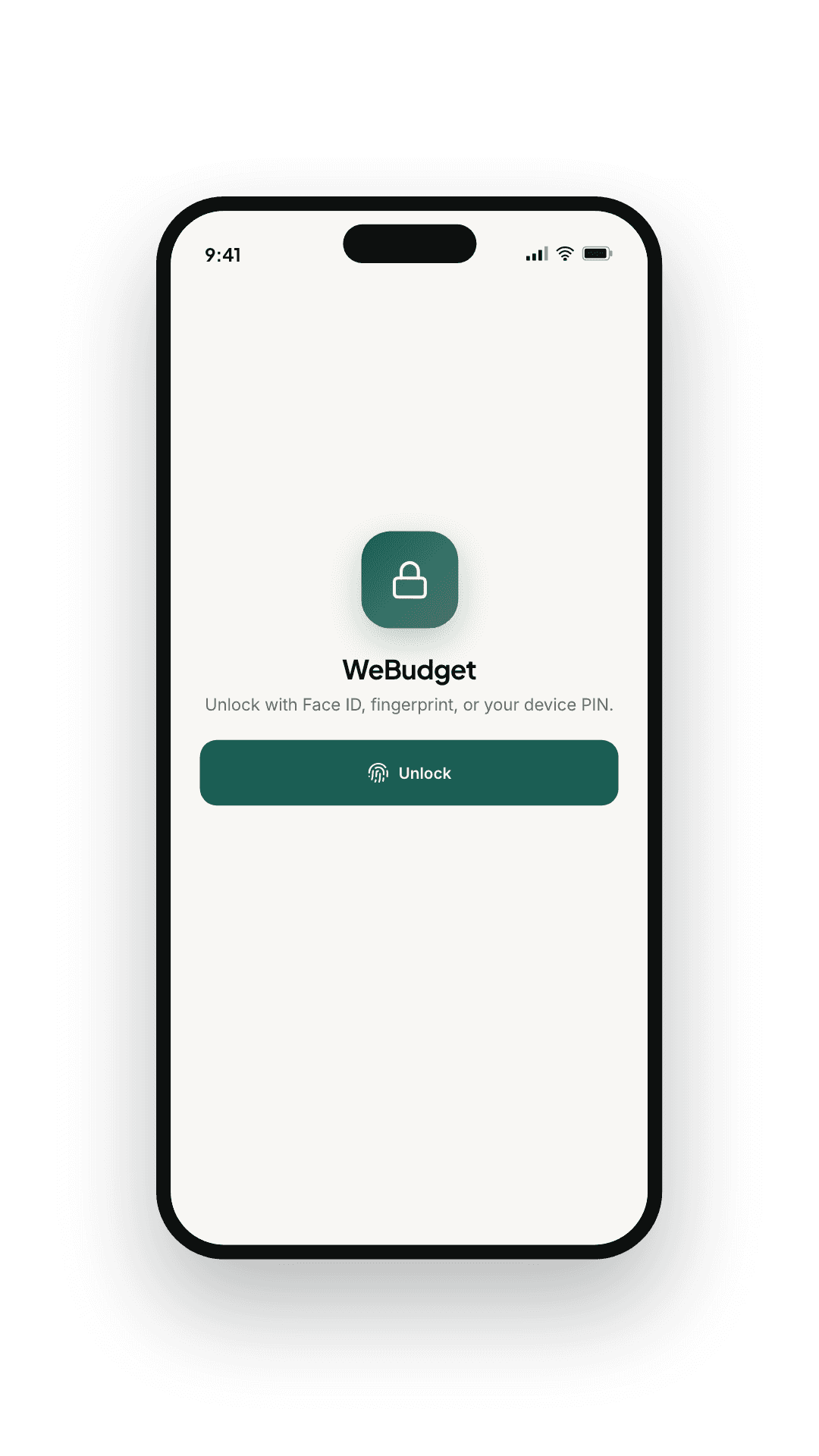
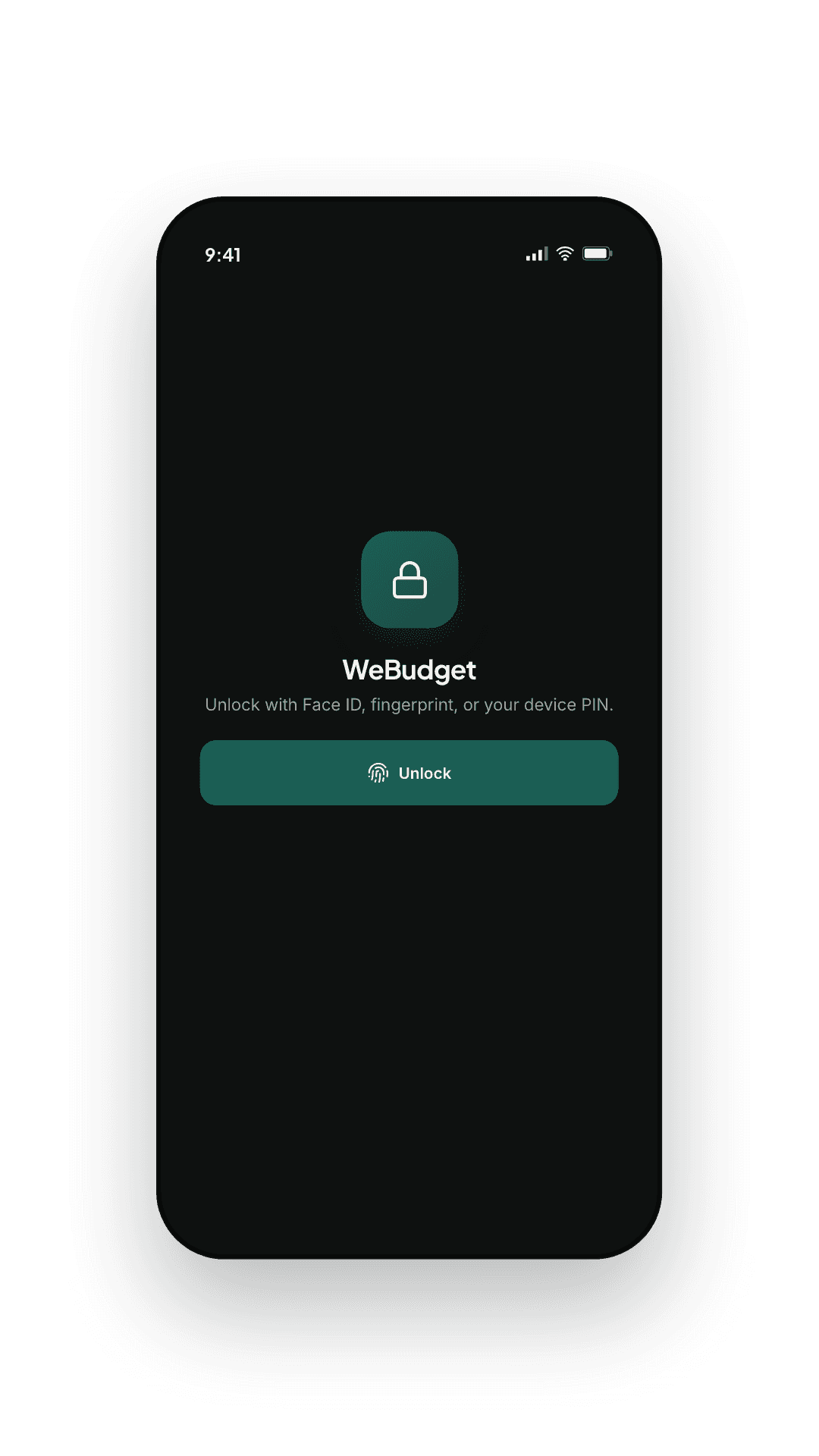
Locked, on your device, by default.
Open WeBudget and it asks for Face ID, fingerprint, or your device PIN before showing a number. Your ledger lives in an on-device database, and no account is needed to use it.
- Biometric or PIN gate on app launch
- Optional in-app PIN as a secondary lock
- No account needed for the ledger — sign-in only for backup and membership
- JSON export to your share sheet, free and unlimited
— 12
Cloud backup
A cloud copy you can actually get back.
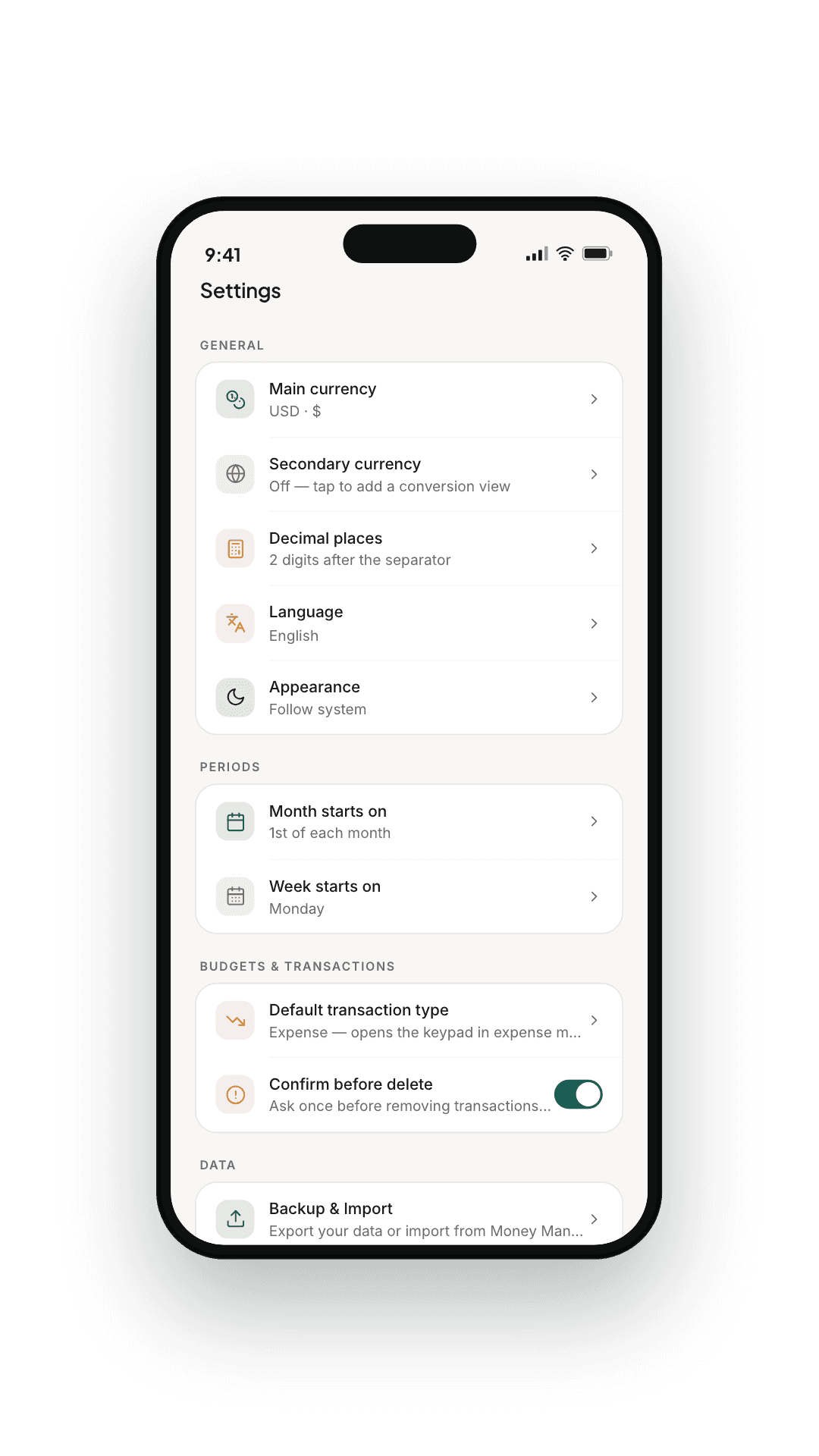
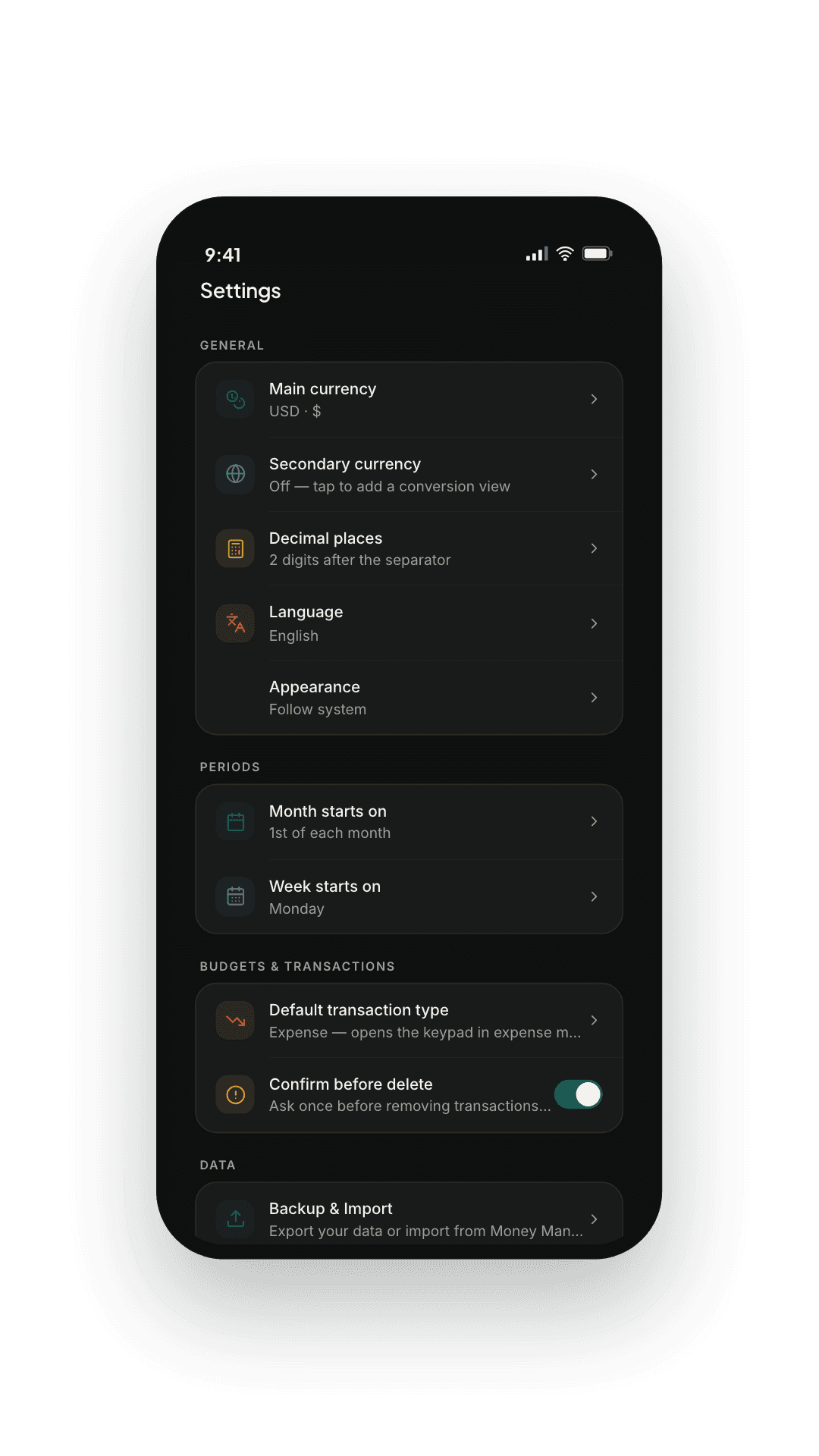
Turn on backup and a copy of your ledger is kept on our servers — sent over an encrypted connection, stored encrypted at rest, and restored on any phone you sign in to. There is no passphrase to lose.
- Encrypted in transit, and encrypted at rest
- Nothing to remember — sign in and it comes back
- Delete the cloud copy whenever you like; your phone keeps everything
- Free on any signed-in account, whether or not you are a member
— 13
Ads & membership
Ads that stay out of the ledger.
The free tier is ad-supported, and where an ad may appear is a fixed rule rather than an intention: one card at the foot of a screen you have finished reading, never inside a transaction, a balance or the review queue.
- No transaction, amount, merchant or balance is ever used to target an ad
- Nothing on the add-transaction, account, security or sync screens
- Loans, payday lending, debt relief, gambling and crypto are blocked
- WeBudget Plus removes them entirely, for as long as the membership is live
Spec sheet
The boring, important stuff.
Ready when you are.
Free to install, and the free tier stays a working expense tracker whether or not you ever pay.