Skip to content

Personal Finance, Effortless

Money tracking
that understands you.

Your bank already tells you what you spent. WeBudget turns those alerts into entries you confirm with a tap, instead of typing the same number twice.

Free to install. Manual entry, every chart, every budget and local backup are free forever.
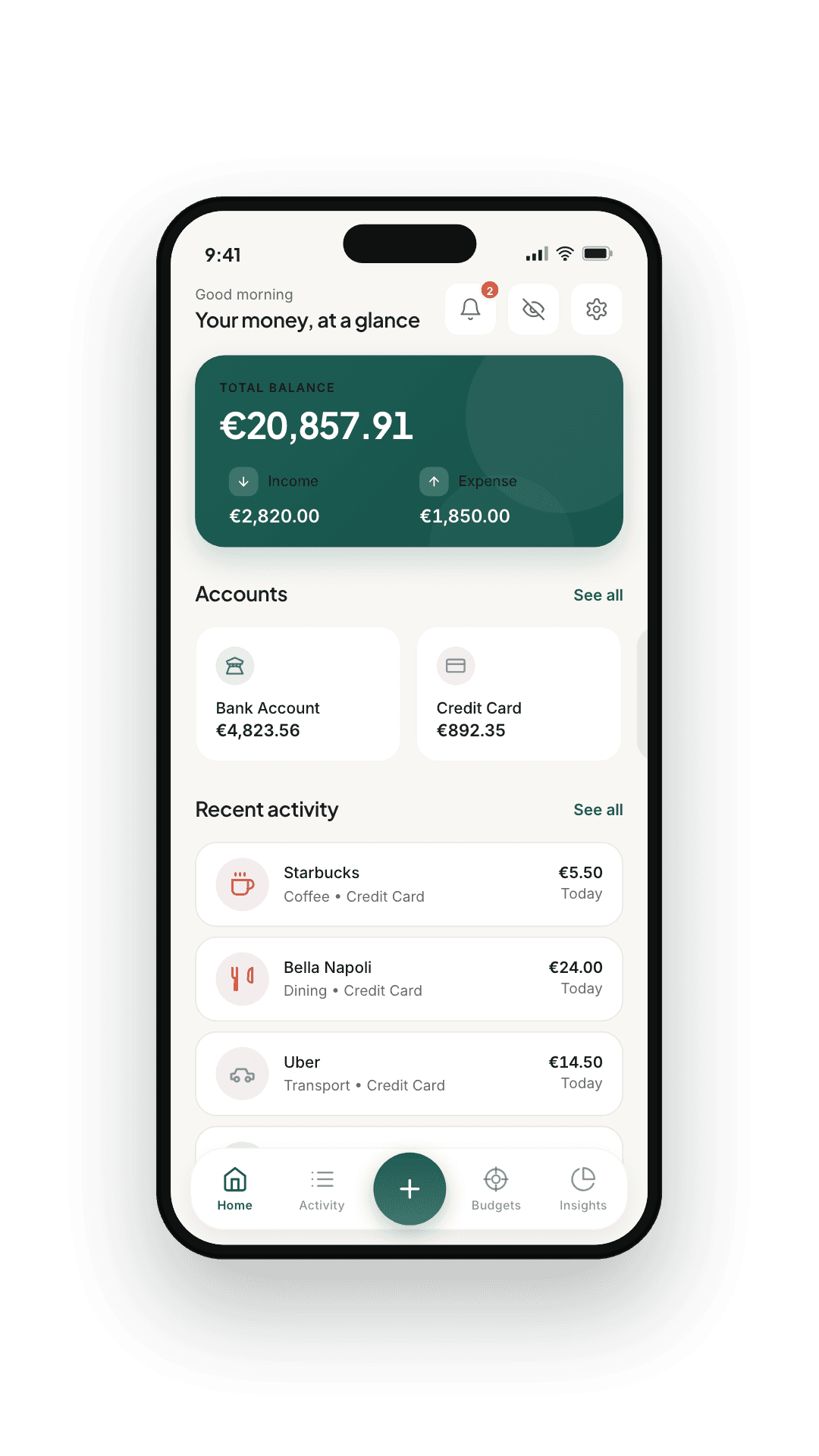
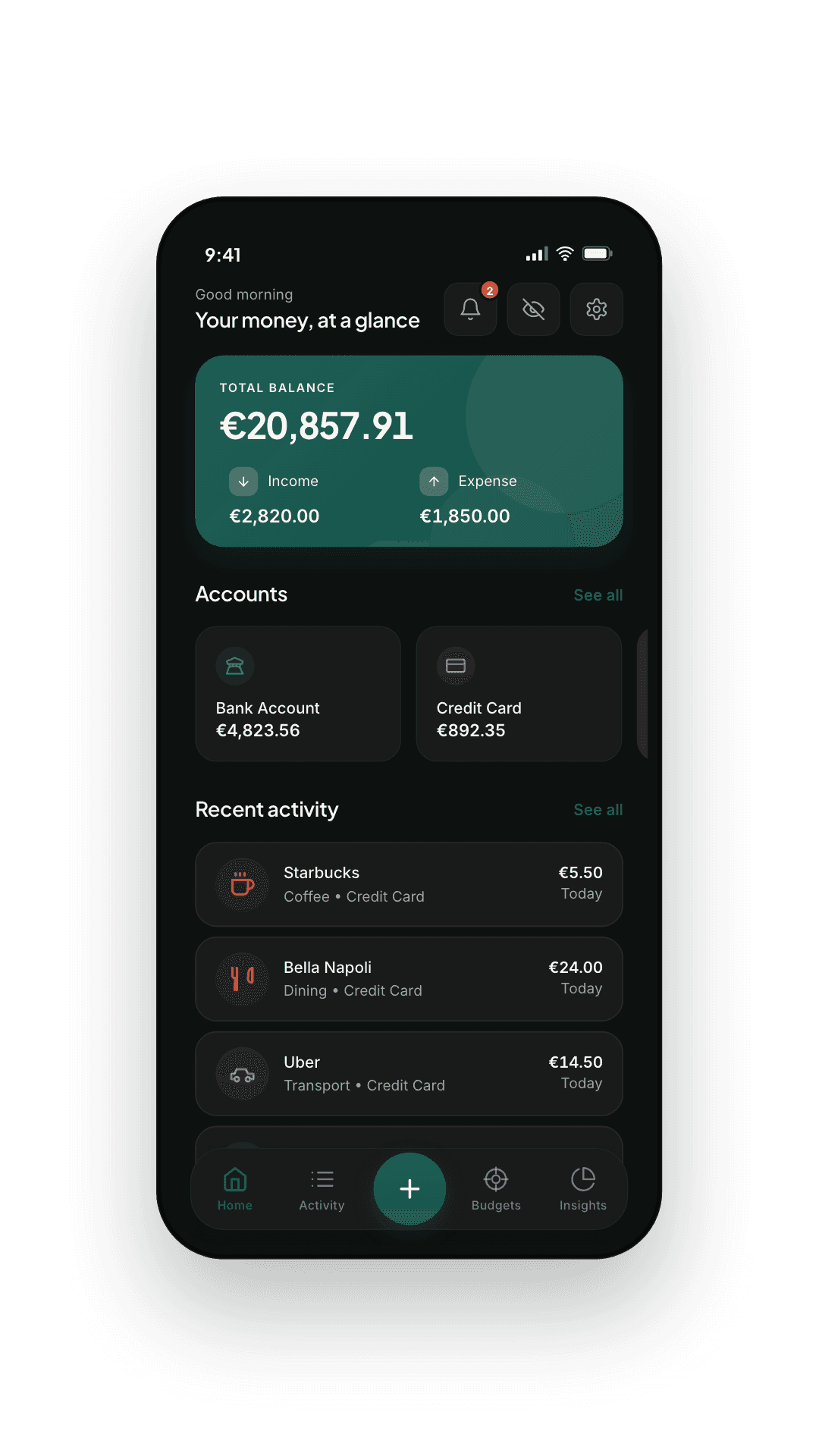
WeBudget — Home tab
  • Your ledger, on your phone

    Every screen works with no connection

  • A free tier that is complete

    Every chart and budget, no limit on entries

  • Four languages

    English · Français · Español · العربية

  • Open export

    JSON backup via the share sheet

Twenty seconds

The actual app, actually running.

Everything else on this page is a faithful drawing of a screen. This is a recording of the app itself, taken from a device. Four tabs, no cuts, no sped-up typing.

Recorded from the app. Not a mock-up.

A tour

Six more screens. Nothing you have to learn.

Past the Home tab above, WeBudget is built around the smallest set of screens that does the job. Each one earns its place — nothing here is a shelf for features we hoped you'd find later.

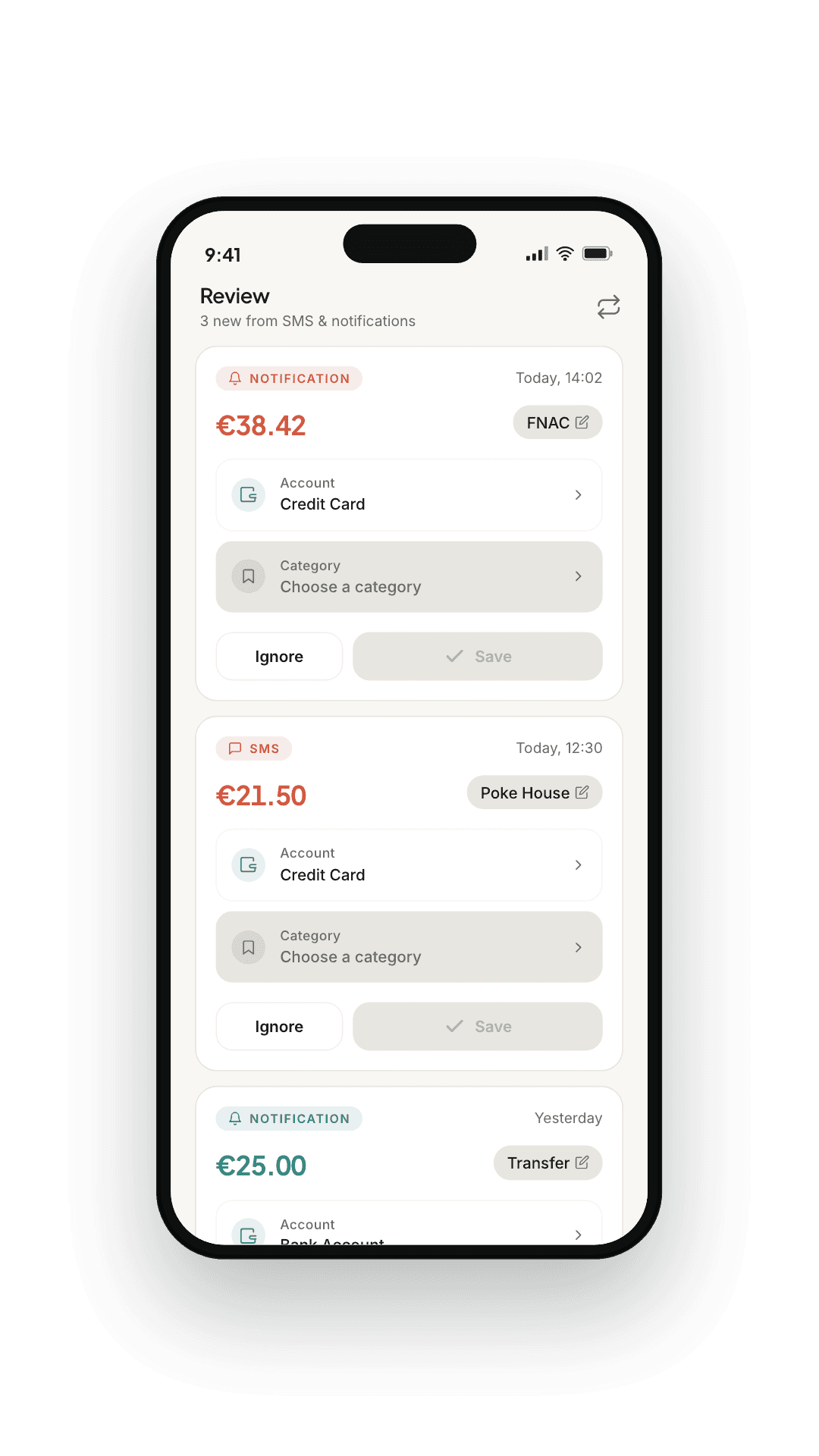
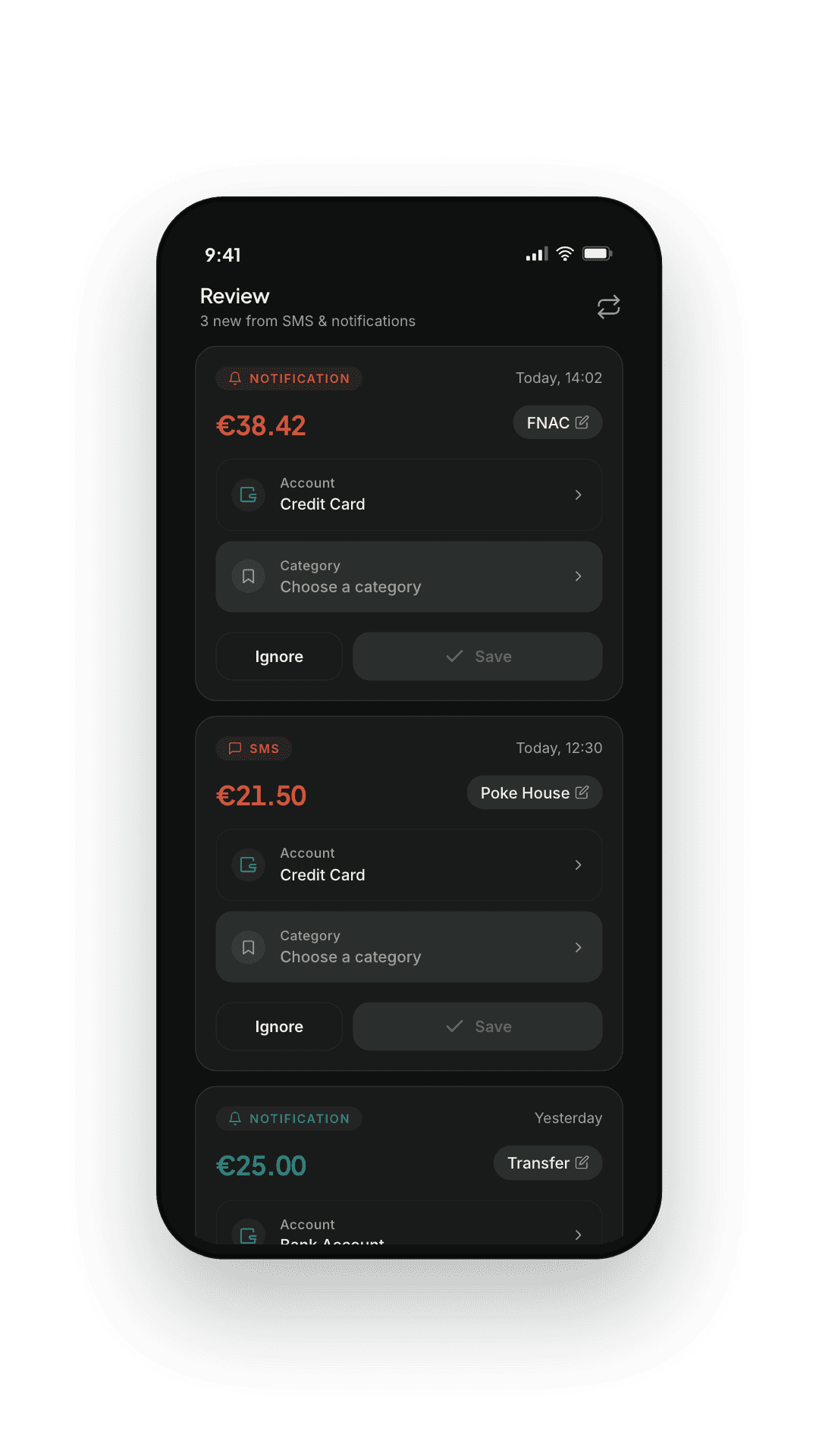
WeBudget — Review queue

— 01

Confirm in a sweep.

Every captured transaction lands here with a suggested category. Approve, edit, or ignore.
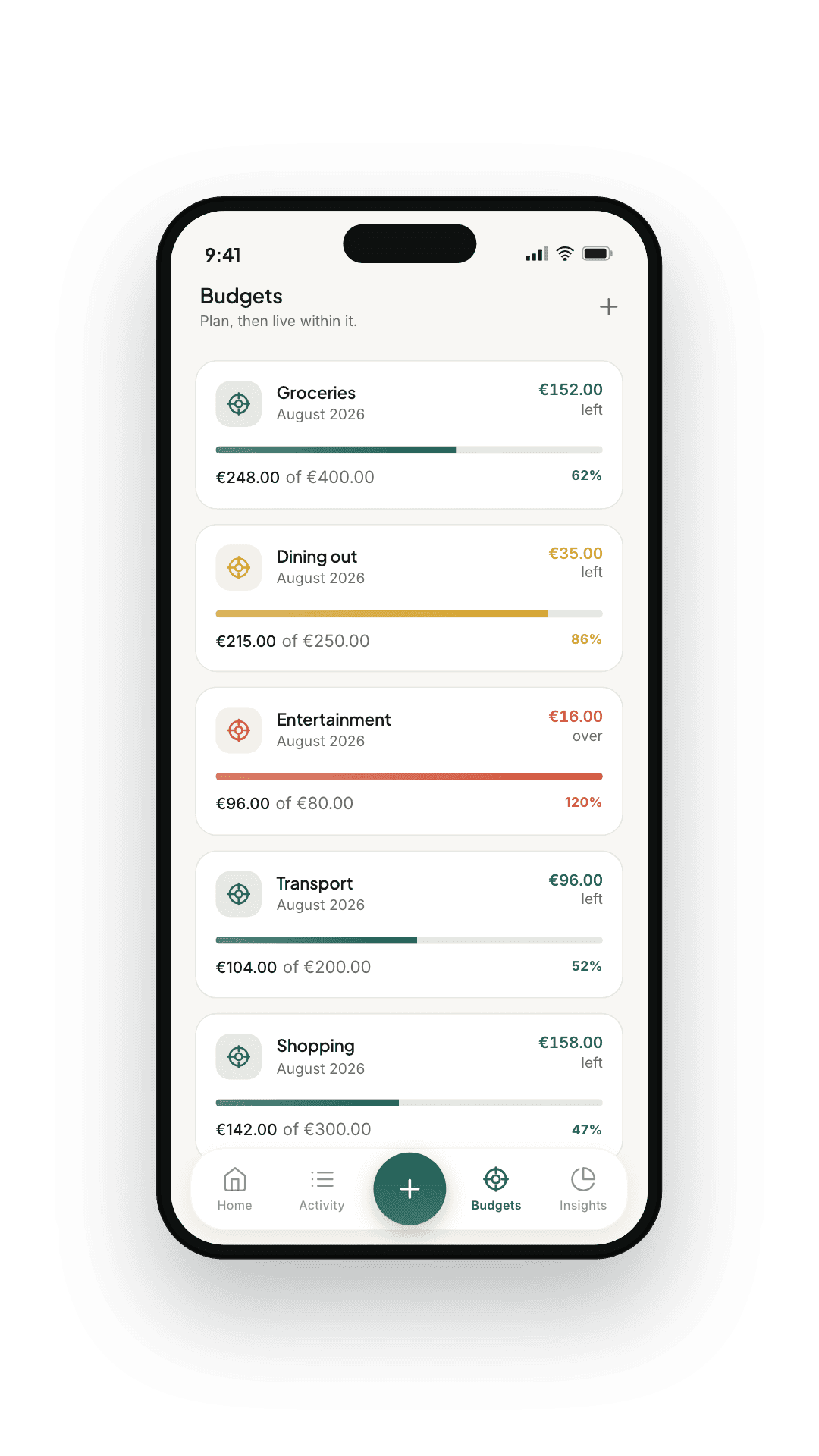
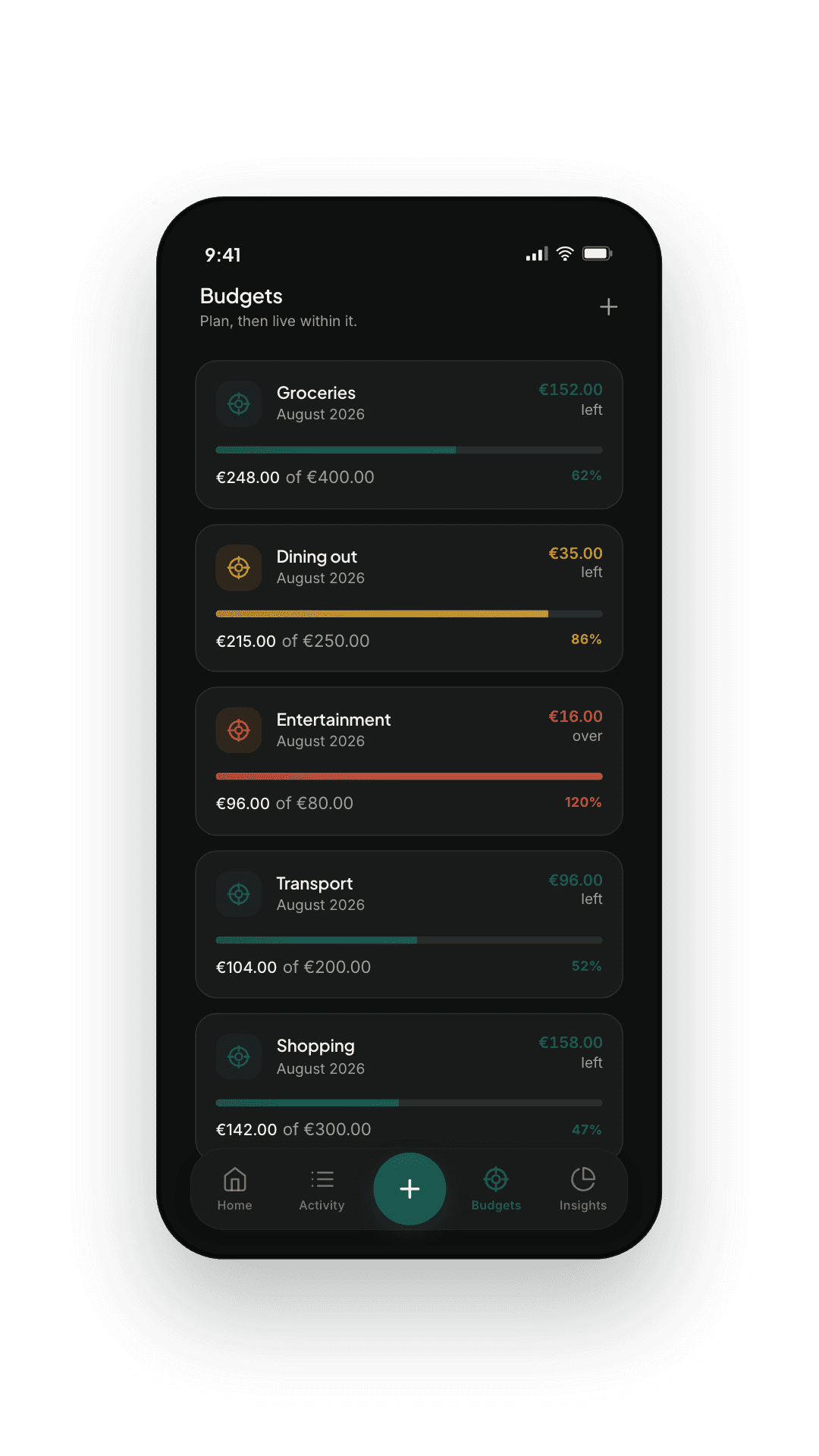
WeBudget — Budgets tab

— 02

Envelopes, not alarms.

Weekly, monthly, or yearly envelopes per category. The bar fills calmly. No red shame screens.
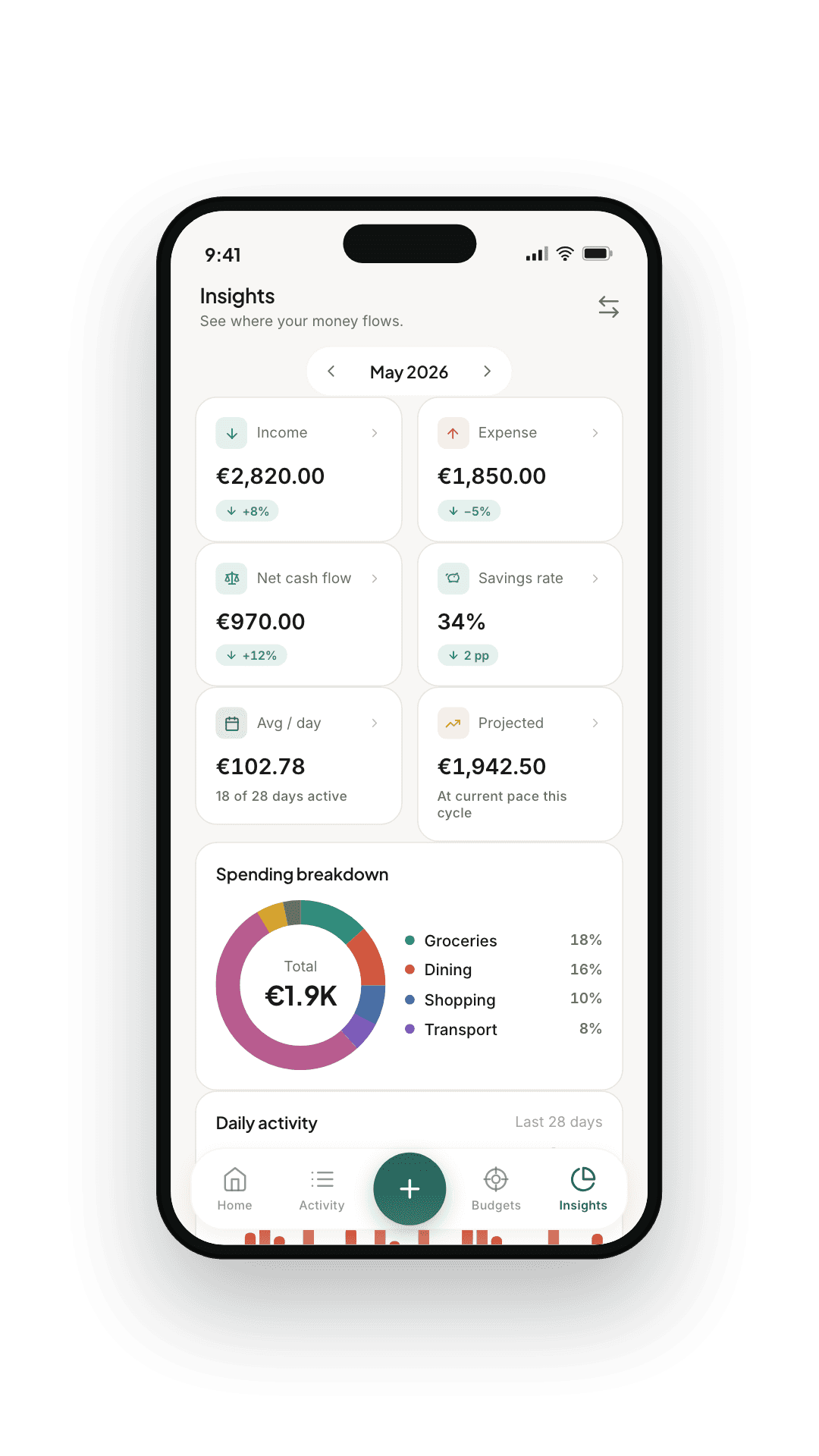
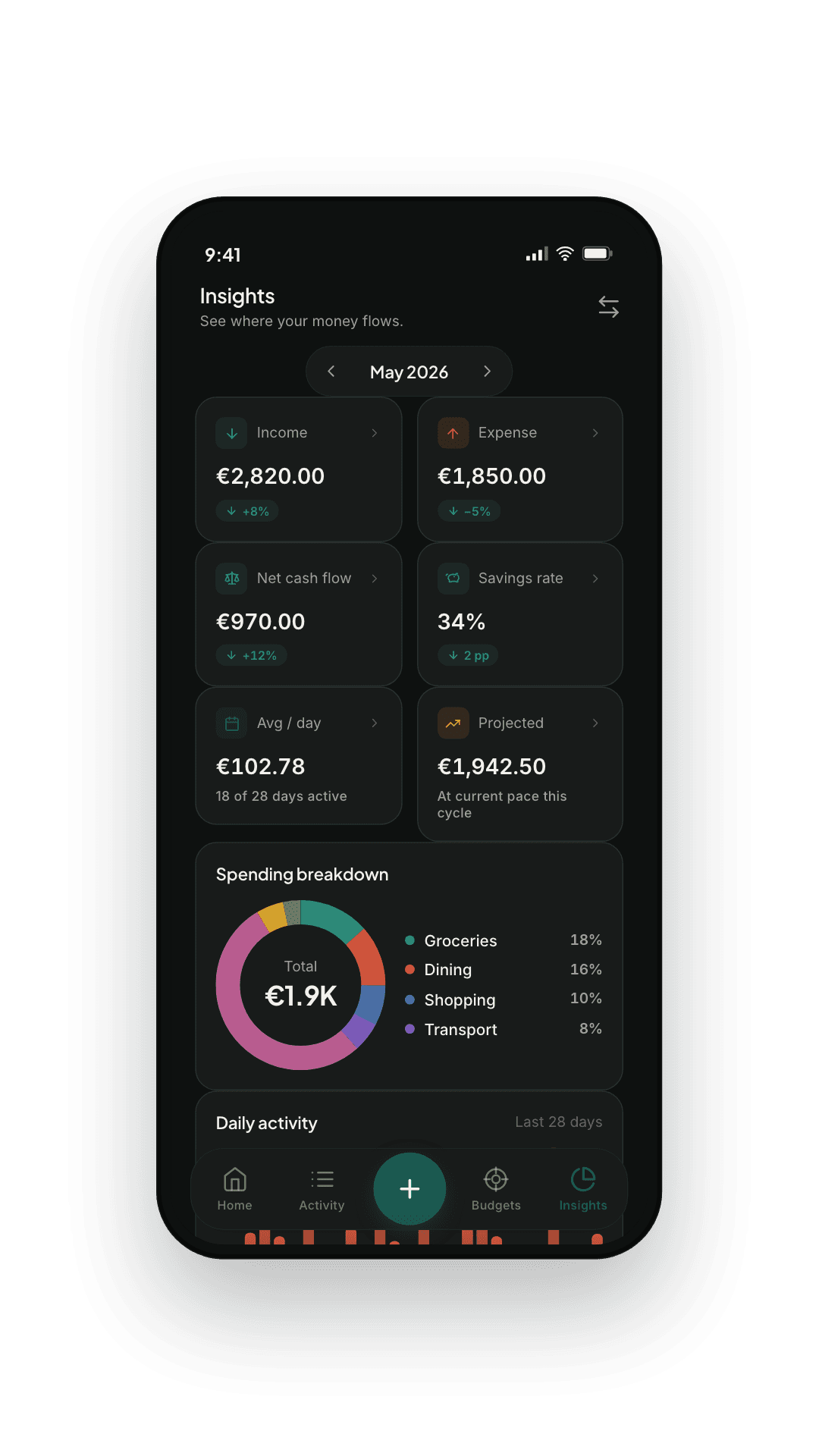
WeBudget — Insights tab

— 03

Where the money went.

Daily, monthly, and a rolling six-month view. Top categories. Top merchants. No vanity charts.
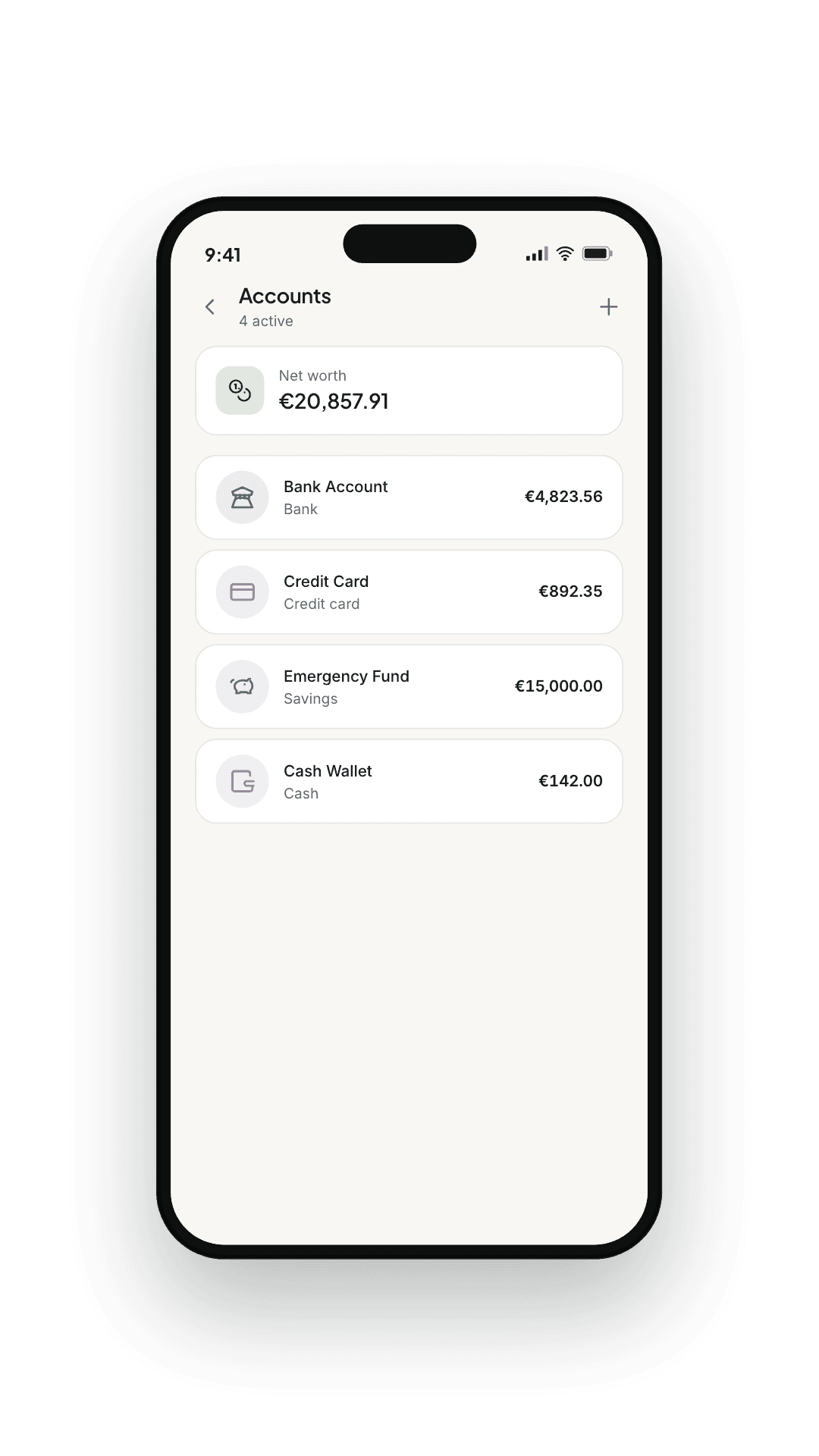
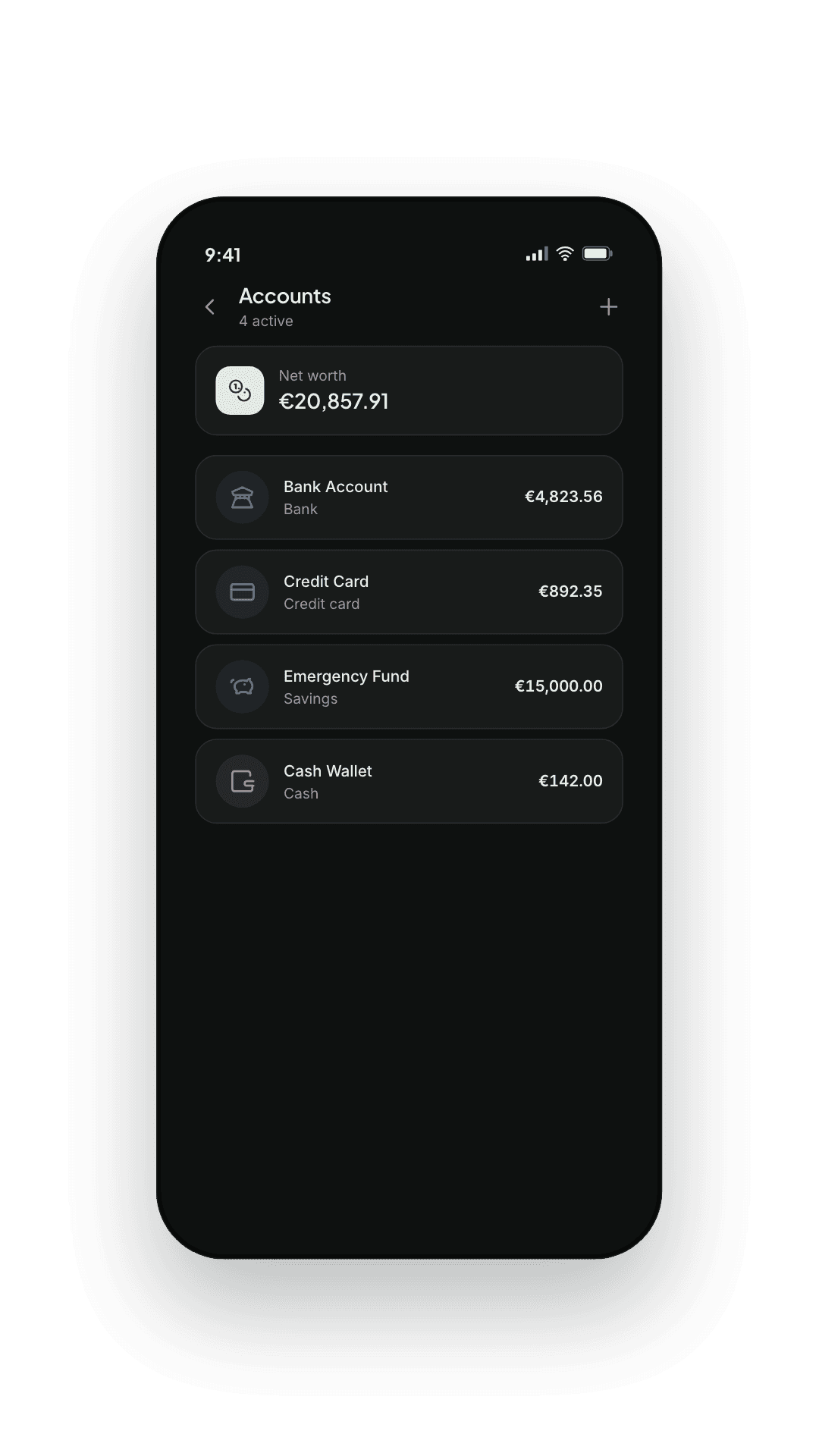
WeBudget — Accounts list

— 04

All your accounts, one line each.

Card, current account, savings, cash. Transfers between them are handled cleanly.
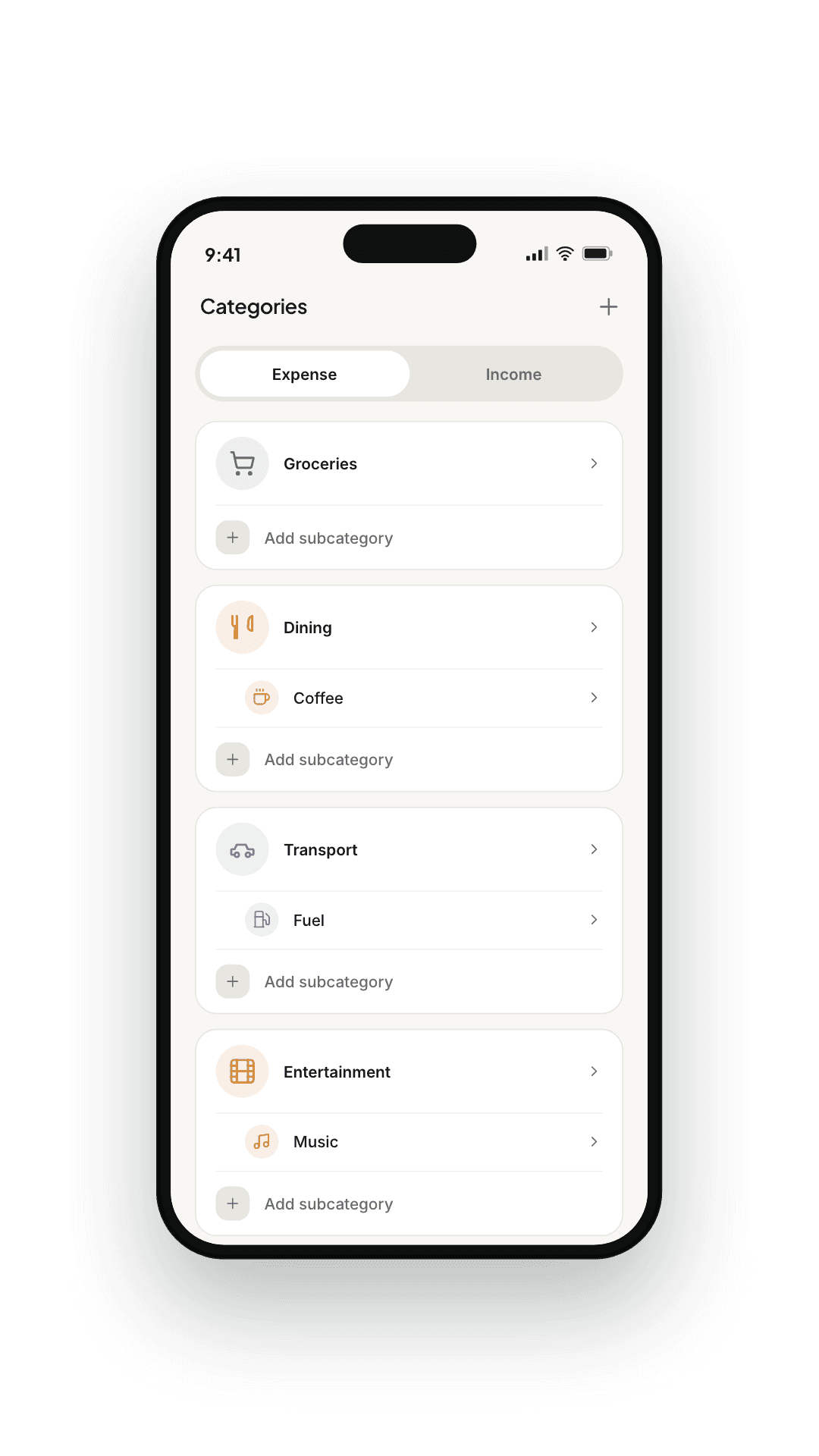
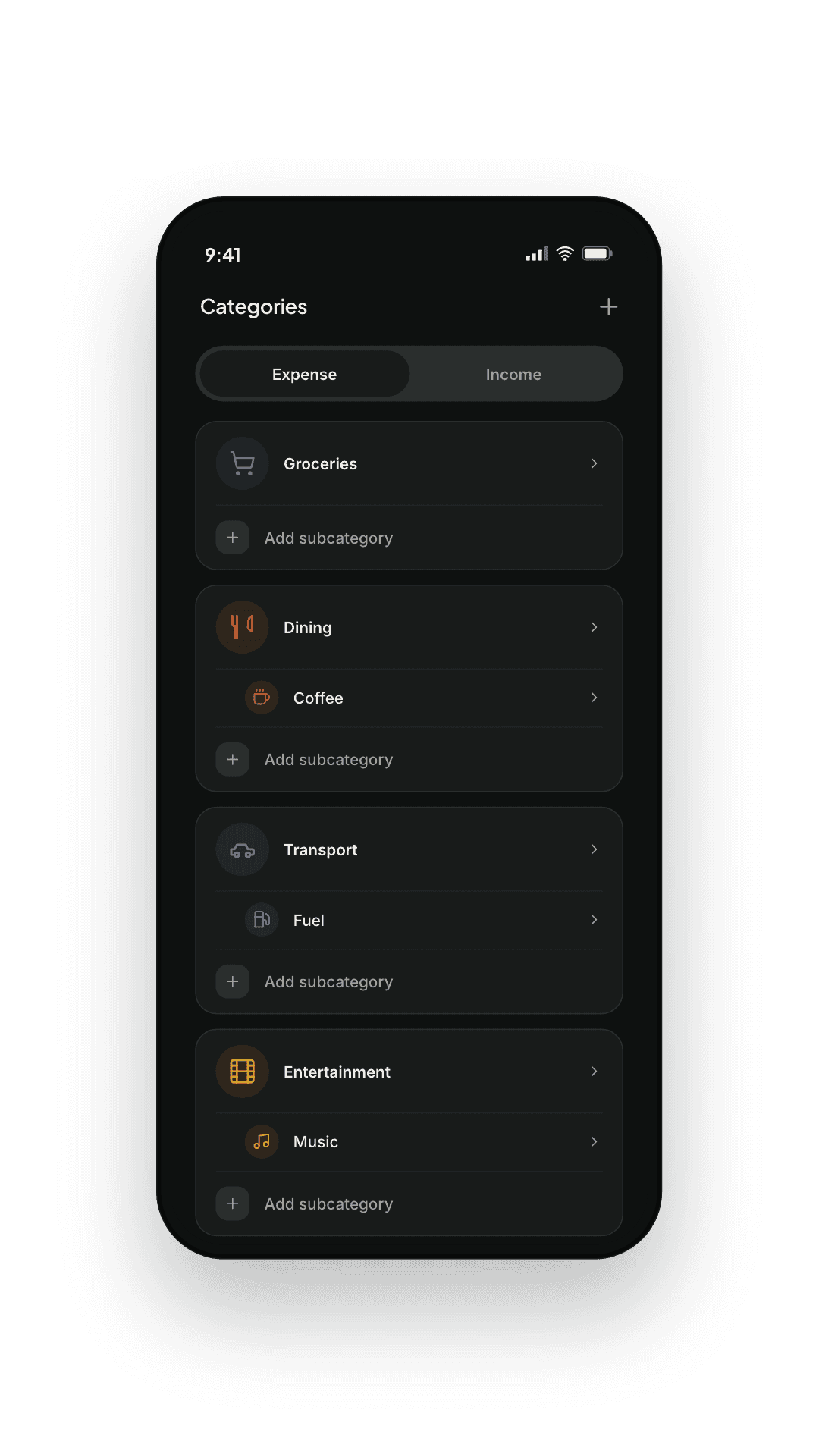
WeBudget — Categories

— 05

Categories that match your life.

Bring your own categories and sub-categories. Icons and colours you pick.
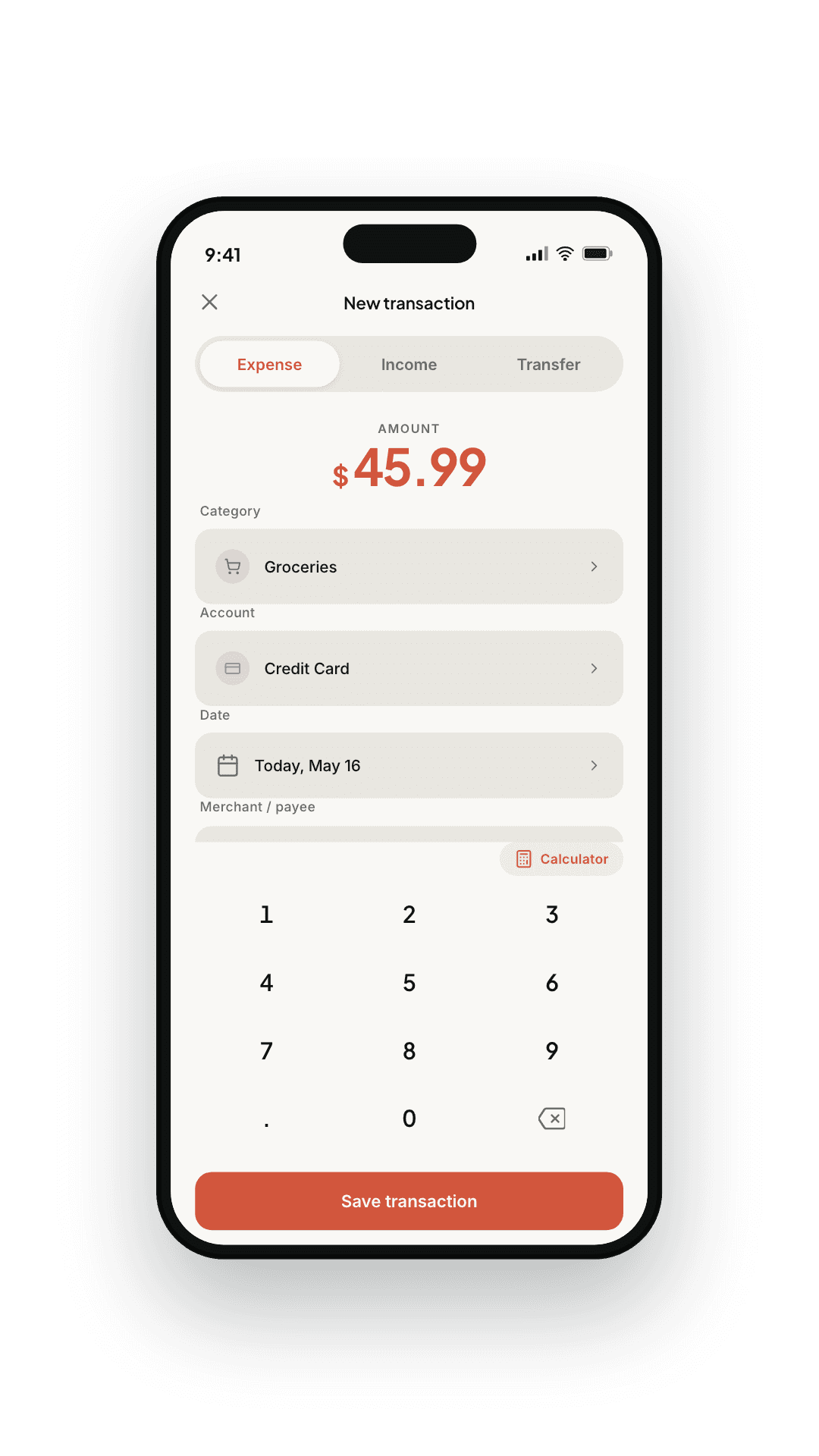
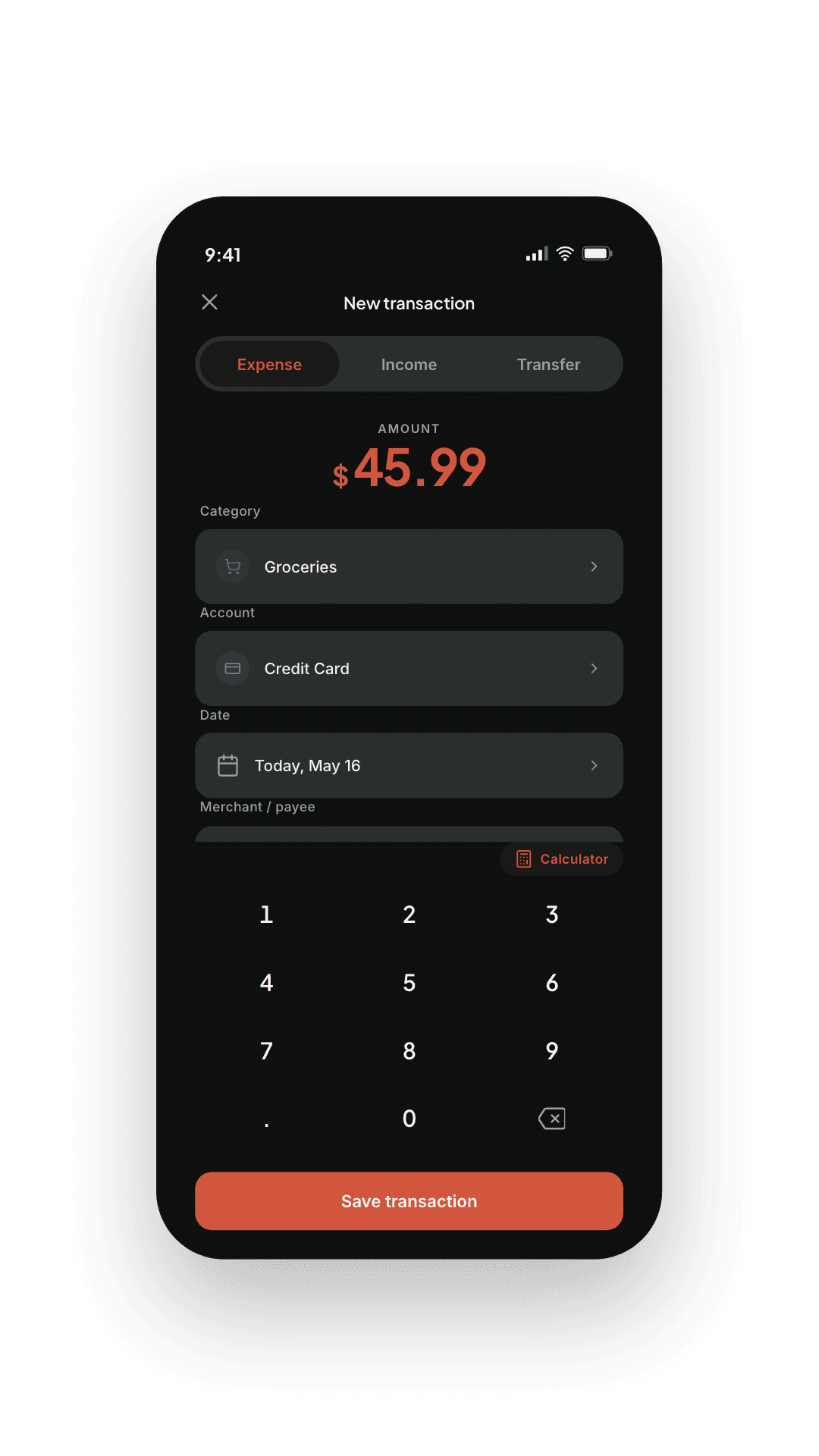
WeBudget — Adding a transaction

— 06

Manual when you need it.

Cash, splits, or anything the parser missed. A purposeful keypad — no clutter, no shortcuts you'll regret.

How it works

Three steps. Then it
stays out of the way.

Setting up most finance apps feels like a job. WeBudget takes a minute, asks only for what it actually uses, and rewards you with the rest of the year off.

  1. Step 01

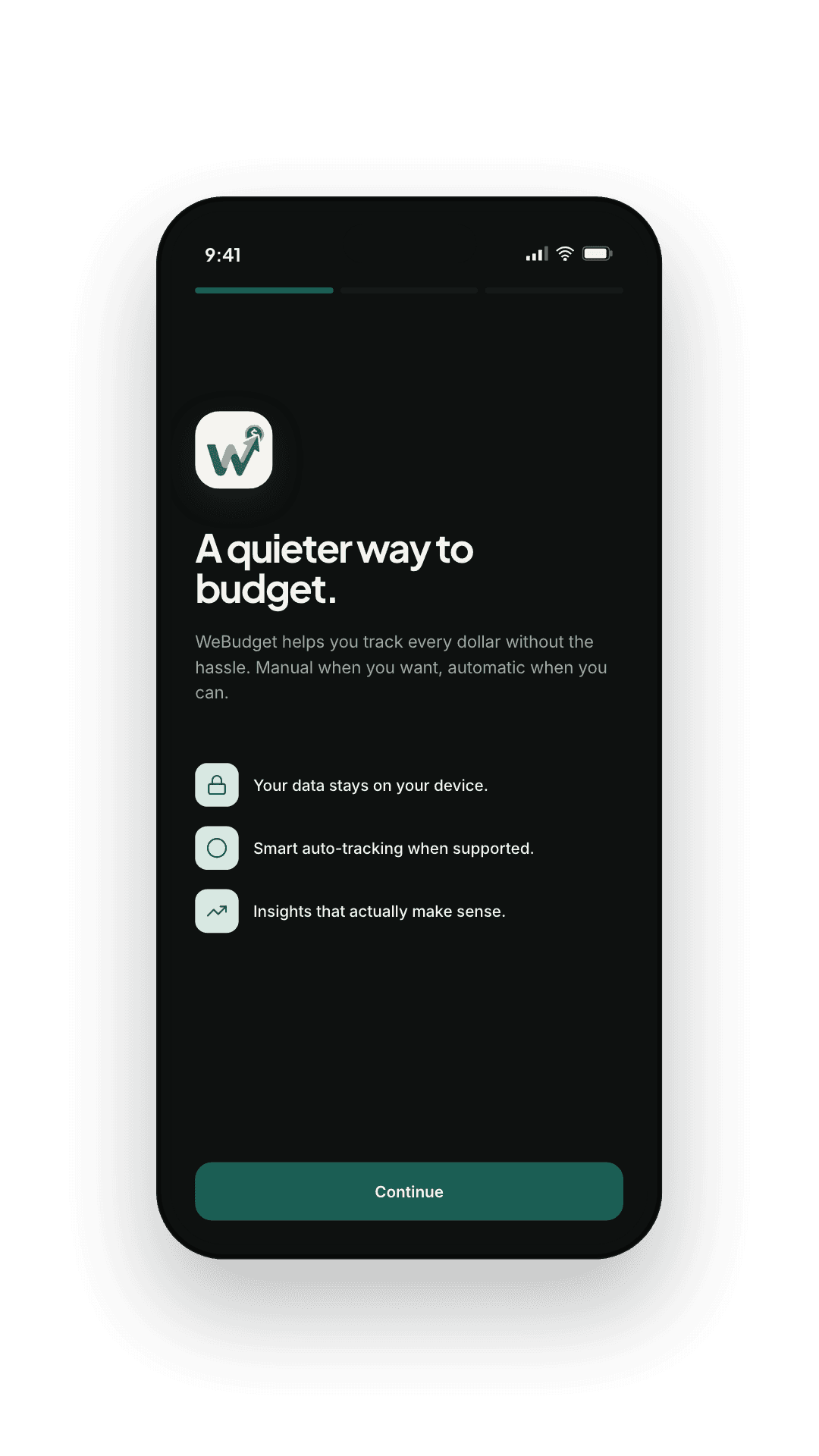
    Walk through onboarding

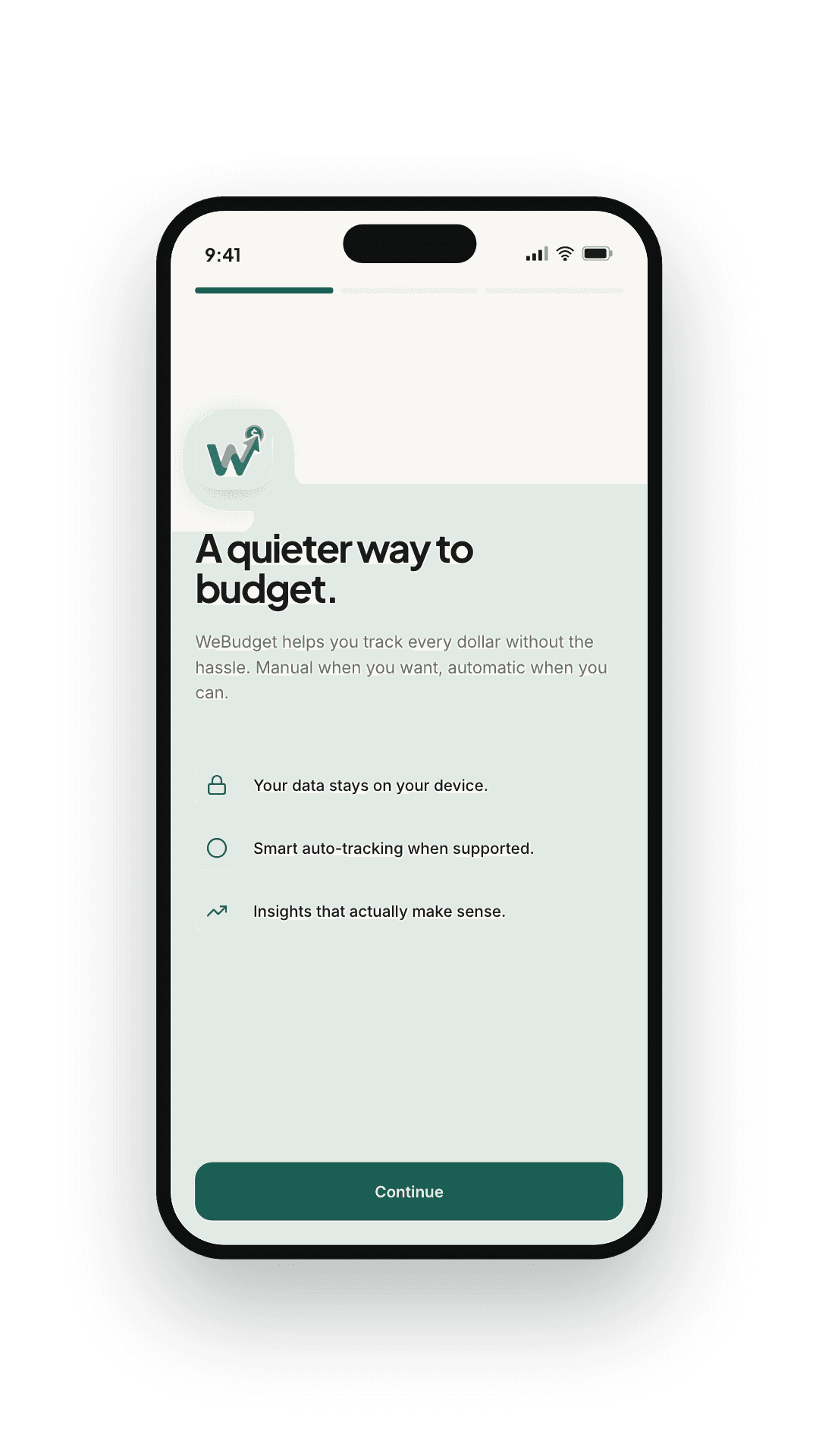
    Pick your currency, choose how spending reaches WeBudget — automatically or by hand — and name your accounts. No account to create: signing in only matters later, for cloud backup or sharing a trip.

  2. Step 02

    Review your first batch

    Captured transactions land in your Review queue with a suggested category. Approve in a sweep, edit anything off, and the per-merchant rule sticks for next time. Nothing is saved behind your back.

  3. Step 03

    Forget it exists

    The ledger lives on your phone and works with no connection. Open it once a week to glance at trends, set a budget, or scratch a financial itch.

WeBudget — Review queue

Review queue

A daily review that takes twelve seconds.

New transactions land in the Review queue with a suggested category and a one-tap approve. No more chasing receipts, no more month-end reconciliation marathons.

  • Suggested categories you can change with one tap
  • Edit category, account, or amount inline before approval
  • Discard anything that isn't yours
  • Pin merchants so the right rule fires every time
How automatic tracking works

Insights

Where the money actually went.

Income, expense, net cash flow, savings rate, and the cycle you're in. A breakdown ring that names categories instead of celebrating you for opening the app.

Categories

17+

Time scales

D · M · 6m

Languages

4

WeBudget — Insights tab

More than a ledger

The money that isn't a transaction yet.

Trips you split with friends, services that renew, payments you've already committed to. WeBudget keeps track of the money around your spending too — free, with no limit.

A different kind of finance app

Your ledger stays on your phone.
The cloud is opt-in, not the default.

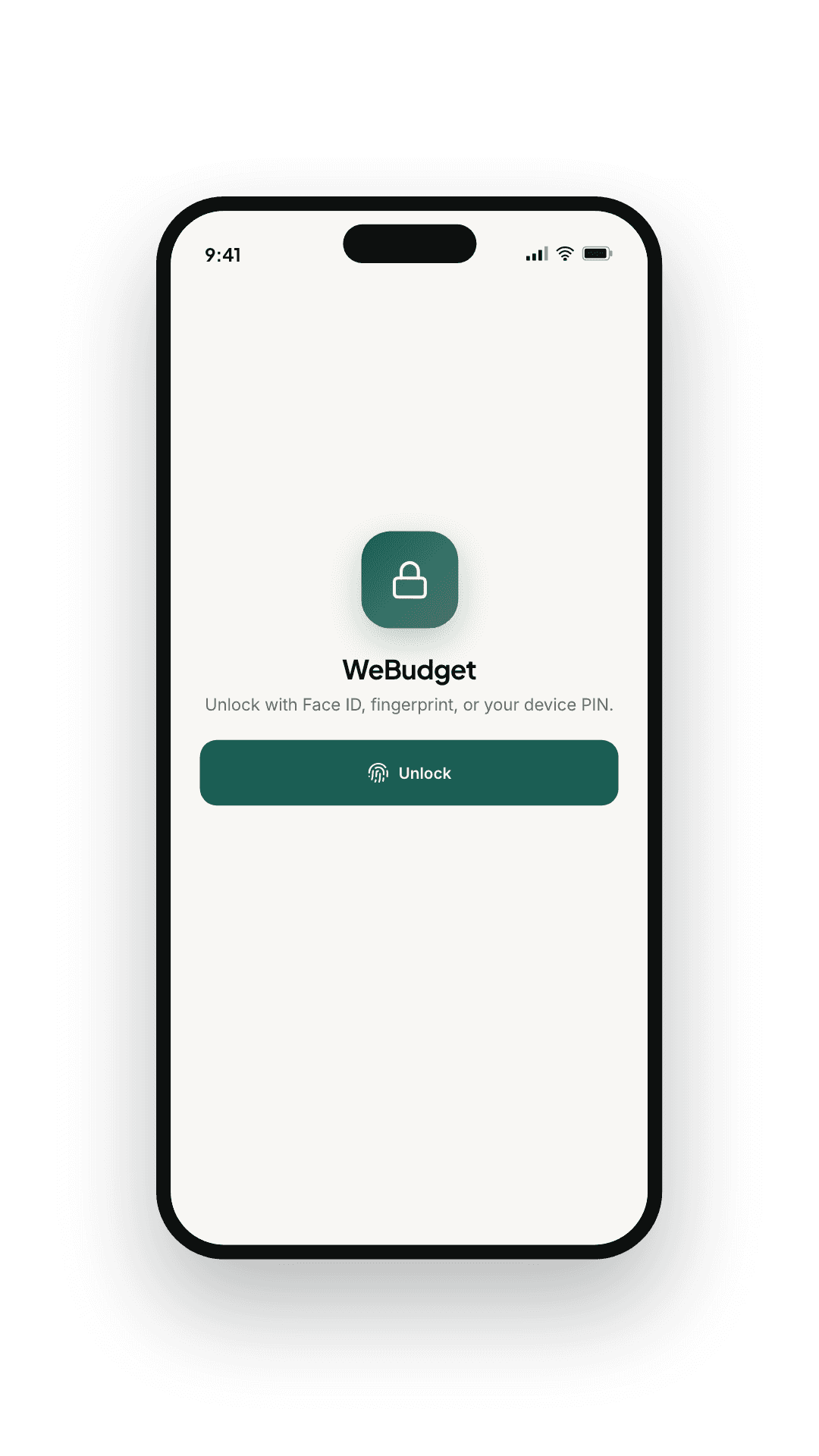
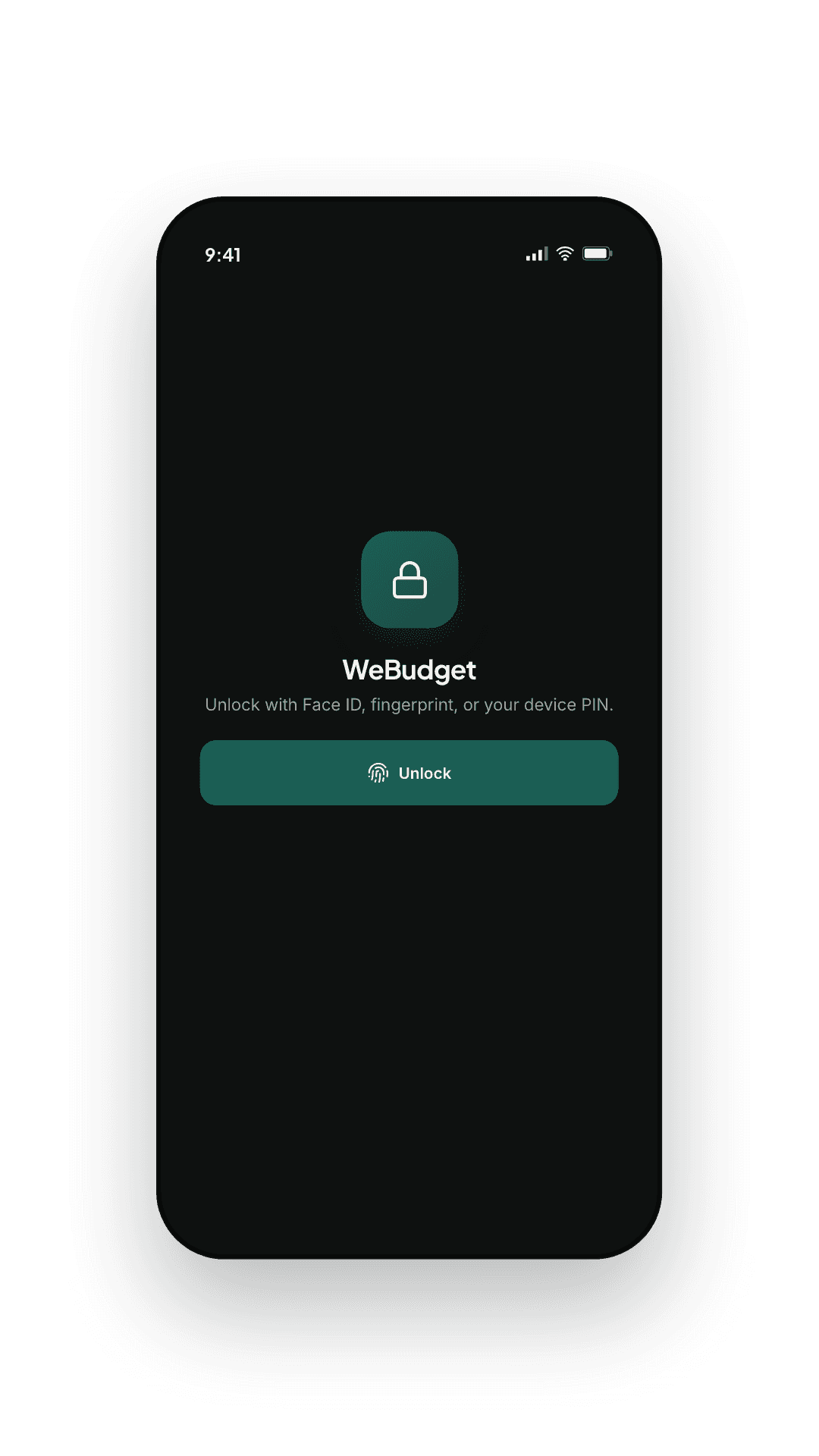
Your transactions are created, parsed and analysed on your phone. Nothing needs a connection, and nothing needs an account. Turn on cloud backup and a copy is sent over an encrypted connection and stored encrypted on our servers — in a form we can read, so we can put it back on a new phone and help when something goes wrong. Leave it off and your ledger never leaves the device.

Parsed on your phone

Reading alerts, categorising, budgets, trends — all of it local. No bank logins, no aggregator, no screen-scraping.

Nothing leaves unless you ask

The app is complete offline and without an account. Turn cloud backup on and a copy is sent over TLS and stored encrypted on our servers; leave it off and there is nothing of yours to leak.

Your data, exportable

A JSON backup is one tap to your share sheet, on the free tier, with no time limit. Import from WeBudget or Money Manager the same way.

Questions

Answers, without the fluff.

Still curious? Email support@we-budget.app and you'll hear back from a human, usually within a day.

  • How does WeBudget capture my spending automatically?
    When the operating system allows it, WeBudget reads the transaction notifications your bank apps already post and turns them into structured entries. Every parsed entry waits in your Review queue so you can approve, edit, or discard it before it lands in your history.
  • Does my financial data leave my phone?
    Only if you turn on cloud backup. Parsing, categorising, budgets and trends all happen on the device, and every screen works with no connection and no account. If you enable backup, a copy of your records is sent over an encrypted connection and stored encrypted on our servers — in a form our systems can read, which is what lets us restore your ledger on a new phone and answer a support question about your account. Leave backup off and nothing about your spending reaches us at all.
  • Do I have to enter transactions manually?
    Only when you want to. Where your system allows it, WeBudget reads the transaction notifications your bank already posts. On any device you can also share a bank message, an email receipt or a screenshot into the app and it lands in the same review queue. Cash and anything the parser missed can be typed in a tap.
  • How much does it cost?
    Installing is free, and the free tier is deliberately complete: manual entry, unlimited transactions, every chart, every budget, local backup, export and import, and cloud backup on every device you sign in on. The free tier is supported by ads. WeBudget Plus is a monthly or yearly subscription — each with a free trial — that adds automatic capture and removes the ads. Prices are shown in the App Store and Google Play, in your own currency.
  • What are the ads like?
    One card at the foot of a screen you have finished reading, and a full-screen ad now and then when you open a detail report or come back to the app. Never inside your transactions, your balances or the review queue, and never on the add-transaction, account, security or sync screens. No transaction, amount, merchant or balance is ever used to target an ad. WeBudget Plus removes them for good.
  • What happens if I lose my phone?
    If cloud backup was on, sign in on the new phone and your ledger comes back — there is no passphrase to remember and nothing we are unable to restore for you. If it was off, your ledger only ever existed on the old device, so keep a local backup file somewhere safe: the app exports one at any time, on the free tier included.
  • What if my bank changes how it sends notifications?
    Parsers are updated regularly — banks change their templates a few times a year, so this is ongoing work rather than a one-off. Nothing is ever invented: matching is deterministic, and anything the parser is unsure of waits in the review queue for you. Correct a merchant once and the rule applies to every future match.
  • Can I split expenses with friends?
    Yes, and it is free. Create a trip or a household, split any expense equally, by amounts, by percentage or by shares, and WeBudget keeps track of who owes whom. Only your share counts in your budgets, and settling up is never counted as income. If the others use WeBudget too, connect them with an invite link and shared expenses arrive on both sides.
  • Does it track subscriptions and installments?
    Yes, both free. Subscriptions show what renews, when and what they add up to per month and per year, with a reminder before each renewal and before a free trial ends. Installment plans — a purchase paid over time, a loan, money you lent — keep every payment dated and remind you before each one.
  • Can I use it in my language?
    WeBudget ships in English, French, Spanish, and Arabic. More languages are on the roadmap.

Take the quiet route

Try it tonight.
Sleep on it.

Free to install, and the free tier is a working expense tracker rather than a demo. The paywall sits in front of convenience — never in front of your own data.
WeBudget — Budgets tab
WeBudget — Insights tab
WeBudget — Home tab
WeBudget — Expense tracker and budget app